





















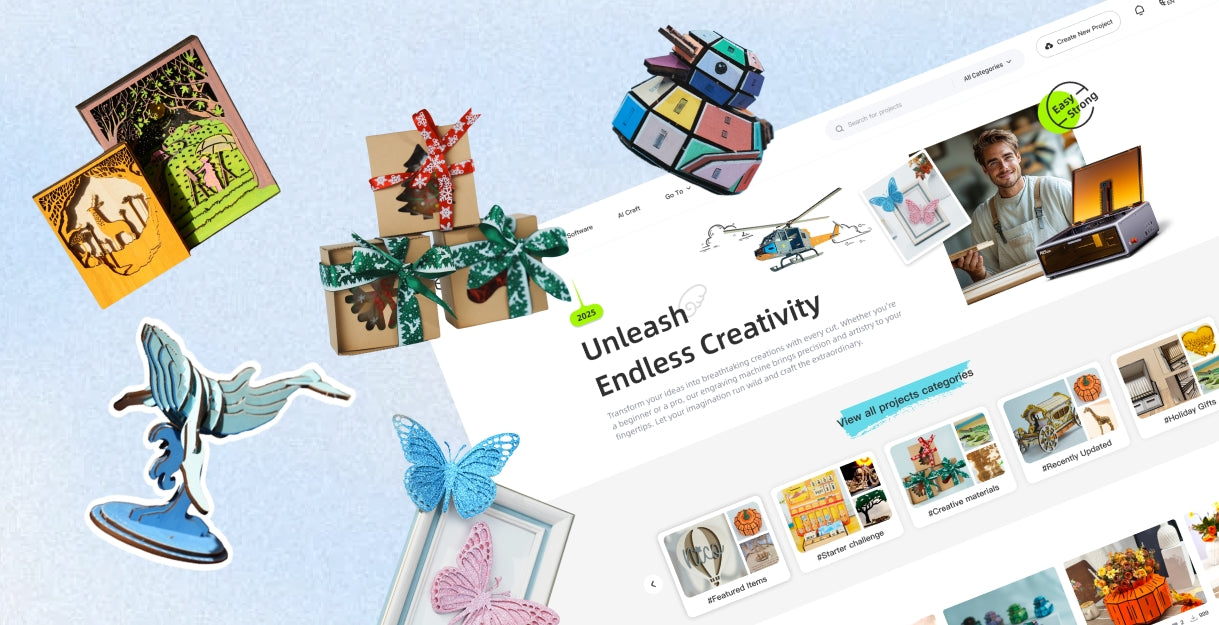



Understanding Laser Cutters and Engravers: A Complete Guide

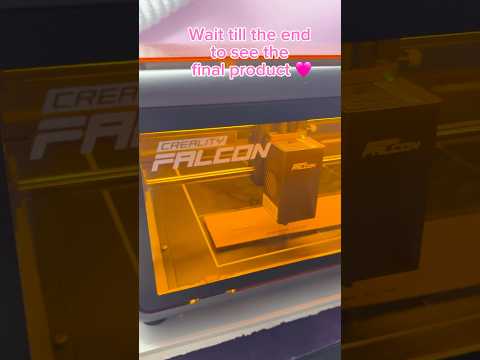
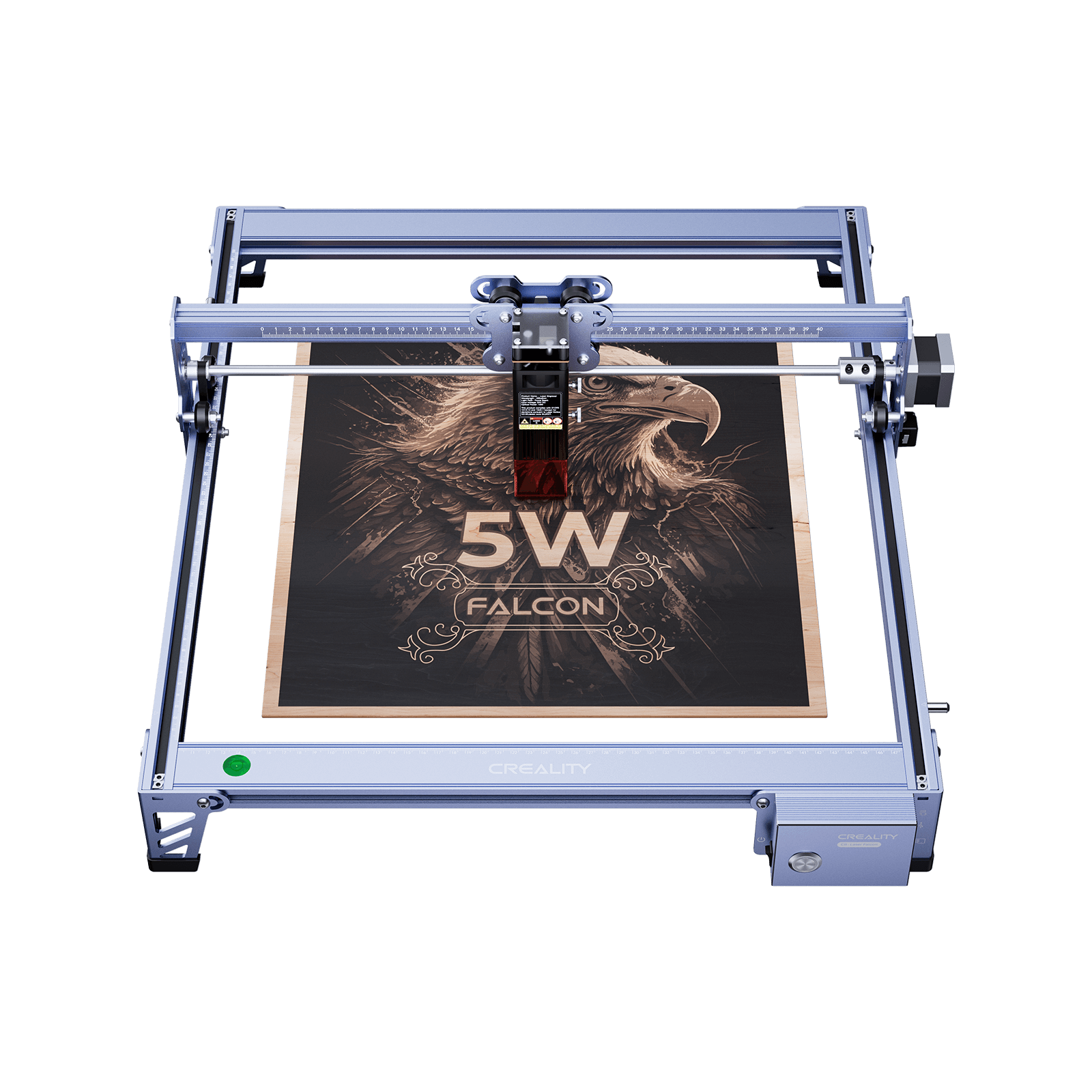
A laser cutter and engraver is a digital fabrication tool that uses a focused laser beam to cut materials or engrave detailed designs.
Thanks to their precision, speed, and versatility, these machines are widely used by hobbyists, educators, makers, and small businesses.
This guide explains how laser cutters and engravers work, the main laser types, what materials you can use, essential features to look for, and how to get started safely.
What Is a Laser Cutter and Engraver
At its core, a laser cutter and engraver uses concentrated light energy to interact with material surfaces:
- Cutting: vaporizes material to create clean, precise cuts
- Engraving: removes surface layers for depth and texture
- Marking: alters the surface color or finish without cutting
This process enables intricate designs and consistent results that are difficult to achieve with traditional tools.
Laser Technologies Explained: Diode, CO₂, and Fiber
Choosing the right laser technology depends on your materials, budget, and project goals.
Diode Lasers
- Compact, affordable, and low maintenance
- Ideal for beginners and home workshops
- Excellent for engraving wood, leather, acrylic, paper
- Can cut thinner materials
CO₂ Lasers
- More powerful and faster
- Cut thicker wood and acrylic with ease
- Engrave a wide range of non-metal materials
- Larger size, higher cost, more maintenance
Fiber Lasers
- Specialized for metal marking and cutting
- Extremely precise, but expensive
- Less common for general crafting
Quick guidance:
For general crafting and DIY projects, diode lasers are usually the best starting point. CO₂ lasers suit users needing speed and broader material compatibility.
What Can You Make? Applications and Materials
Common Applications
- Custom gifts and décor
- Signage and branding
- Jewelry and accessories
- Prototypes and educational projects
- Small-batch business products
Engravable Materials
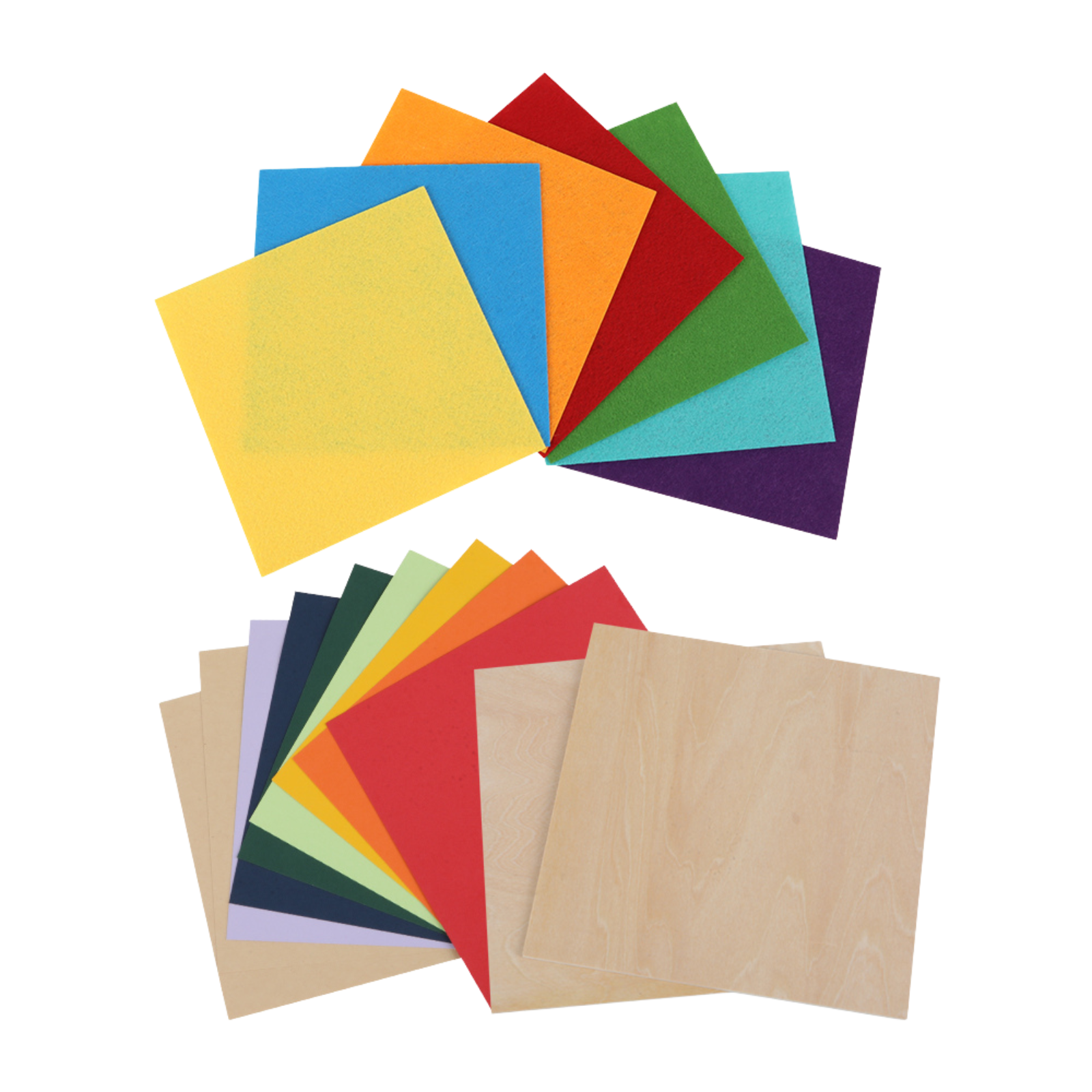
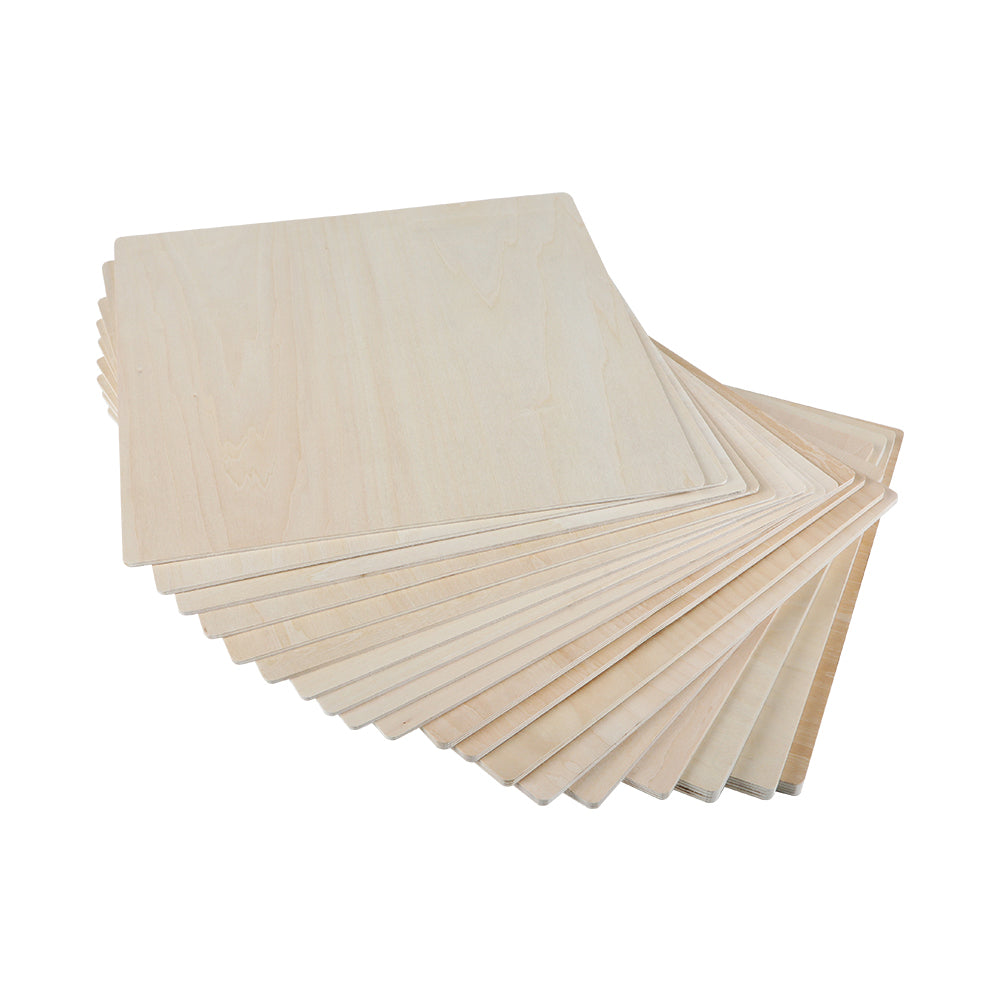
- Wood (plywood, MDF, solid wood)
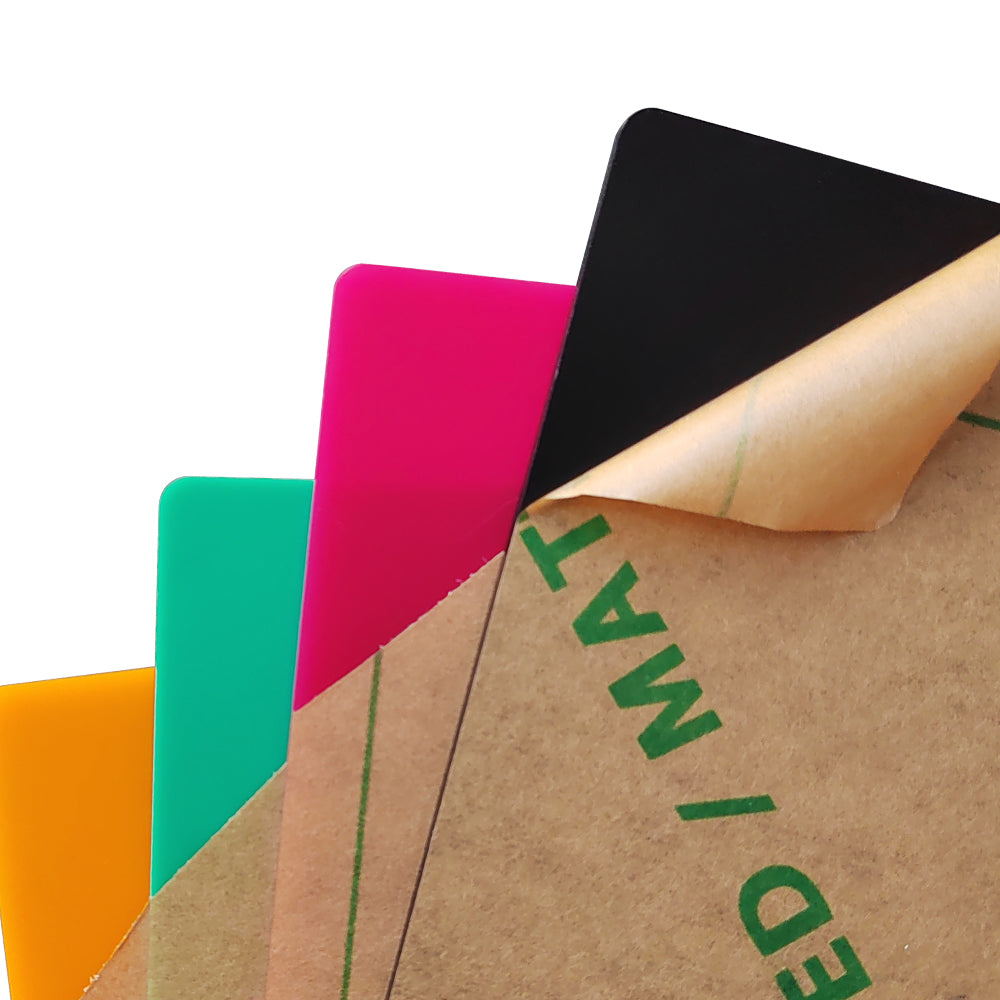
- Acrylic
- Leather
- Paper and cardstock
- Slate and coated metals
- Certain plastics and fabrics
Cuttable Materials
- Wood (within power limits)
- Acrylic
- Paper, cardboard
- Fabric and felt
Never laser PVC or vinyl, which release toxic gases.
Key Features to Look For Before Buying
Laser Power
Higher wattage means faster engraving and deeper cuts.
- 10W+ (diode): light cutting and engraving
- 20W+ (diode): more efficient cutting
- 40W+ (CO₂): thick materials and faster output
Work Area
A larger bed supports bigger projects and batch production.
Precision & Speed
High resolution (DPI) and stable motion systems ensure clean, detailed results.
Software Compatibility
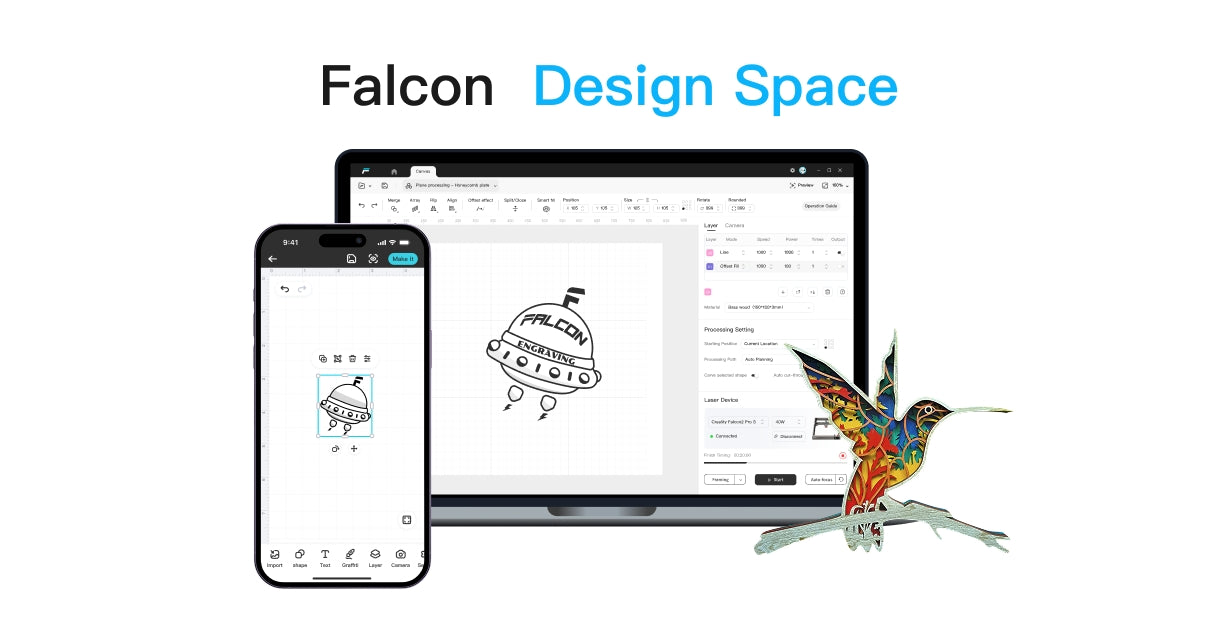
Look for support for LightBurn or LaserGRBL, and common formats like SVG, DXF, JPG, and PNG.
Safety Features
Essential features include:
- Emergency stop
- Flame detection
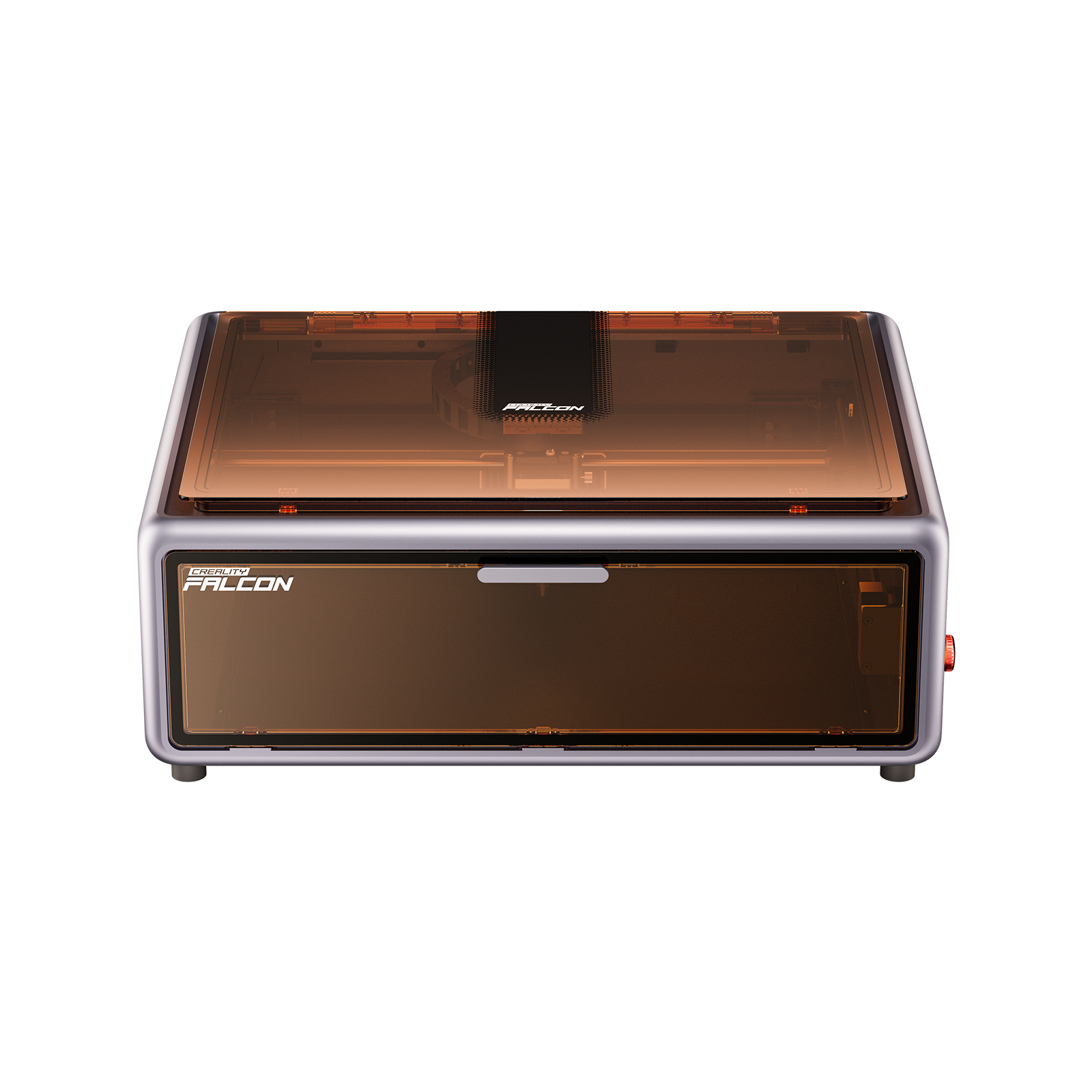
- Air assist
- Optional enclosure and lid interlocks
Connectivity
USB, Wi-Fi, or SD card support adds flexibility to your workflow.
Best-Fit Pick for Beginners
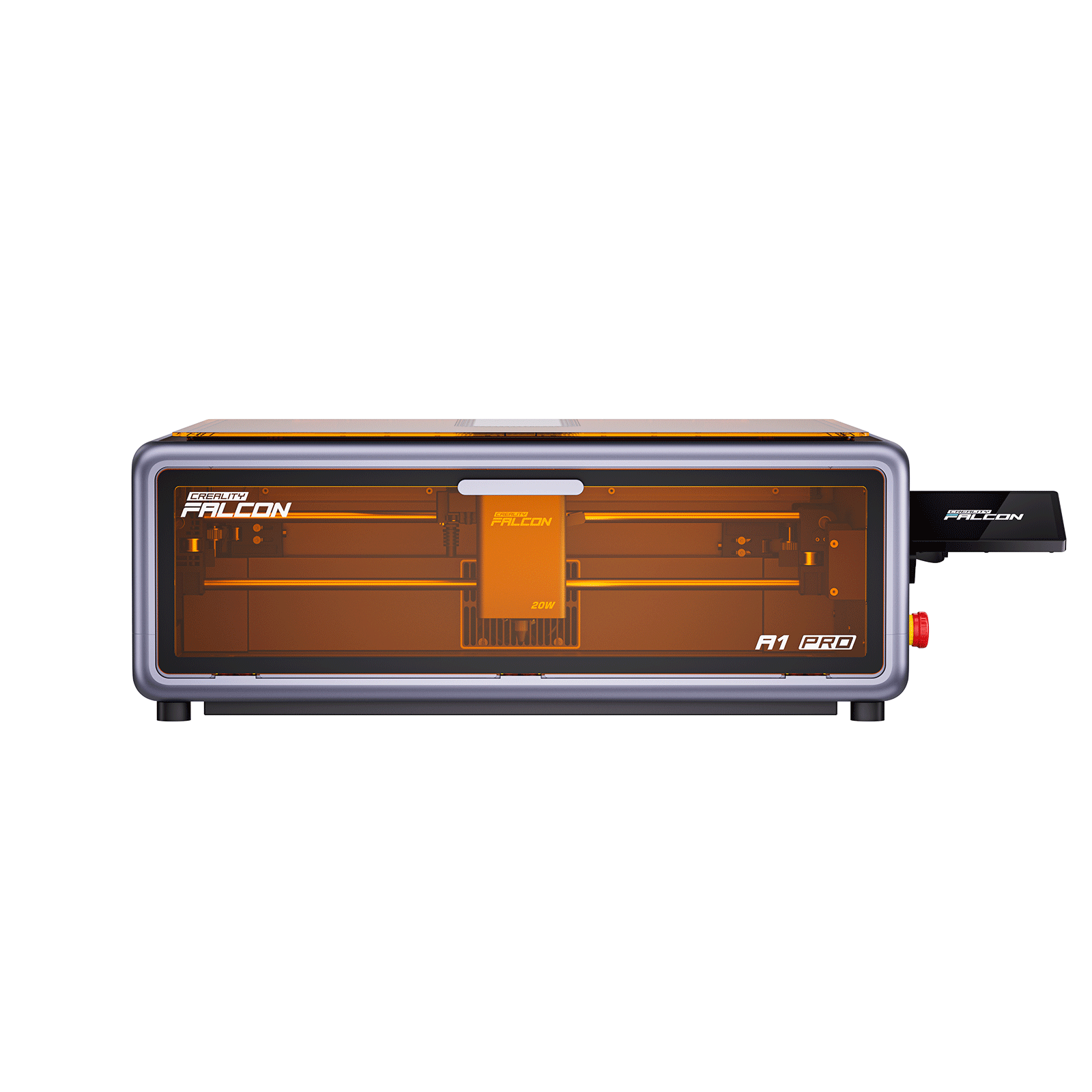
Product: Creality Falcon A1 Pro
Why it’s a strong choice:
- Beginner-friendly power for engraving and light cutting
- Compact, desktop-ready design
- Strong safety features for home use
- Easy setup with good software support
- Well-suited for wood, leather, acrylic, paper, and craft projects
Soft CTA:
If you want a safe, approachable entry into laser cutting and engraving, the Falcon A1 Pro offers a practical balance of performance and ease of use.
Getting Started: Software, Workflow, and Safety
Basic Workflow
- Design in software (Illustrator, Inkscape, Fusion 360)
- Import into laser software (LightBurn or LaserGRBL)
- Set power, speed, and passes
- Focus and frame the design
- Run the job while supervising
Essential Safety Practices
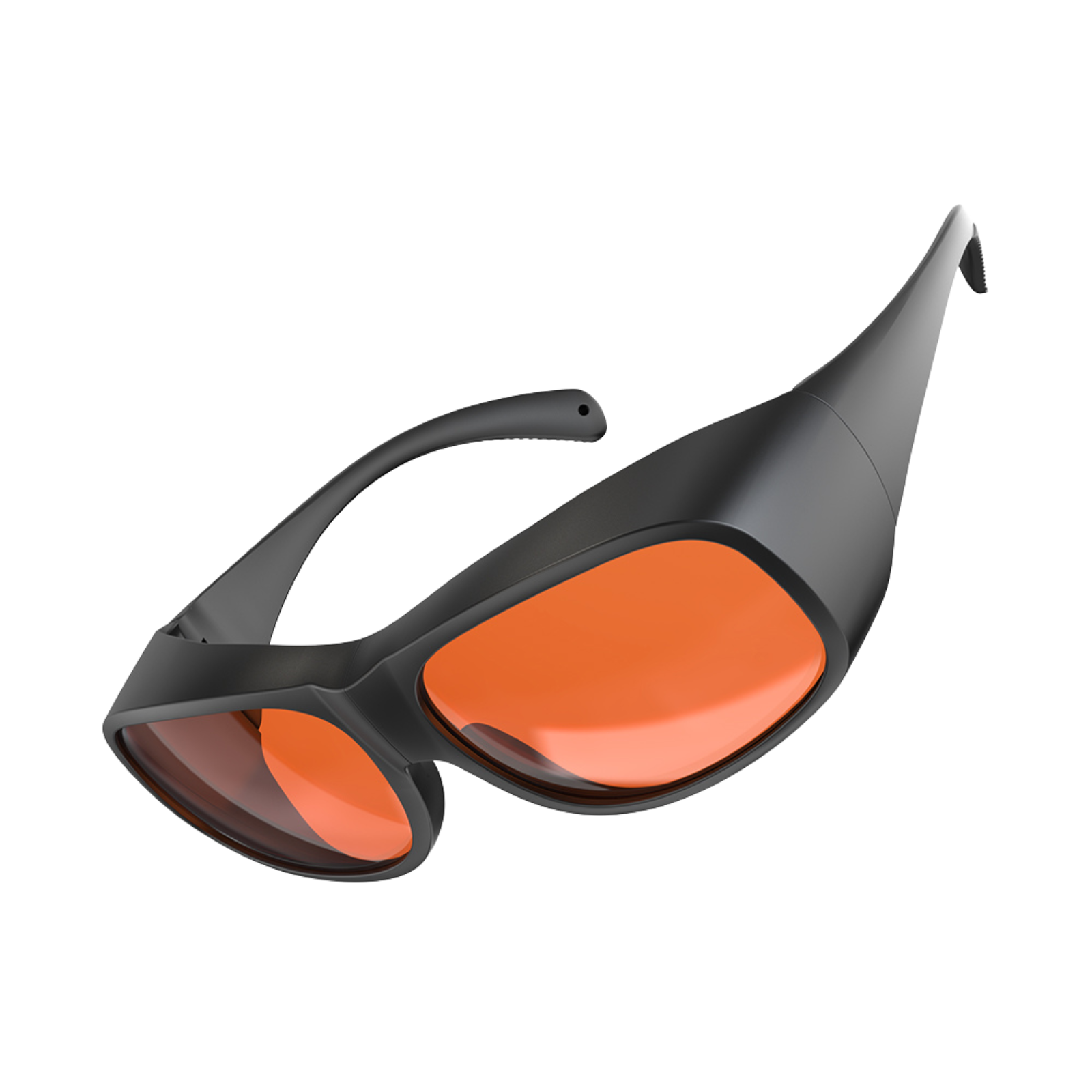
- Wear laser-rated safety glasses
- Use proper ventilation or exhaust
- Never leave the machine unattended
- Keep a fire extinguisher nearby
- Maintain a clean, stable workspace
Maintenance and Long-Term Care
- Clean lenses and work surfaces regularly
- Inspect belts, wheels, and wiring
- Keep firmware and software updated
- Store in a clean, dry environment
Routine maintenance ensures consistent quality and longer machine life.
Is a Laser Cutter and Engraver Right for You
If you enjoy DIY projects, creative fabrication, teaching, or small-scale production, a laser cutter and engraver can be a powerful addition to your workflow.
The right machine depends on your materials, project size, and comfort level.
With a clear understanding of laser types, features, and safety, you’re well prepared to choose a machine that fits your goals and grow confidently into laser fabrication.
Conclusion
Laser cutters and engravers have made precision fabrication more accessible than ever.
Whether you’re creating custom gifts, prototyping ideas, or building a small creative business, these machines offer a powerful combination of accuracy, efficiency, and flexibility.
By understanding the differences between laser types, the materials you can work with, and the key features that matter most—such as power, safety, and software—you can confidently choose a machine that fits your goals and workspace.
For beginners and home users, starting with a user-friendly, well-supported desktop model allows you to focus on creativity rather than complexity.
With the right setup, proper safety practices, and regular maintenance, a laser cutter and engraver can become a long-term tool that grows with your skills and projects—turning ideas into tangible results, one design at a time.
Recent News

12 World Cup Laser Engraving Ideas for Fans
Explore world cup laser engraving ideas for fan gifts, tumblers, coasters, signs, and safe soccer-inspired designs makers can...

What Materials Does a Laser Cutter Cut Safely
Find out what materials does a laser cutter cut, which plastics to avoid, and how CO2, diode, and...

7 Best Laser Engravers Under $1000
Quick Answer:The best laser engraver under $1000 should be chosen by total setup cost, not machine price alone.For most...