1 / 19
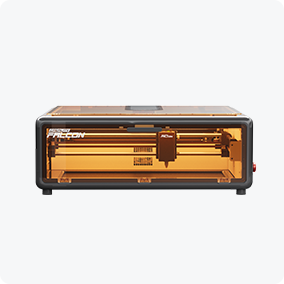
The Creality Falcon A1 10W Diode Laser Engraver and Cutter features a compact, boxy CoreXY design with rounded corners, a transparent amber lid and front panel labeled "Falcon," all set against a white background. Free test kit included.
Front view of the Creality Falcon A1 10W Diode Laser Engraver and Cutter with CoreXY system and orange cover, displayed above a labeled image of a 460x346mm honeycomb workbench. Includes free test kit.
An image displays the Creality Falcon A1 10W Diode Laser Engraver and Cutter for Sale + Free Test Kit with CoreXY design, plus a honeycomb workbench, rotary kit, air purifier, ten smart acrylic sheets, and auto material recognition included.
The Creality Falcon A1 10W Diode Laser Engraver and Cutter, with a white frame, transparent orange lid, and visible internal parts, has "FALCON" on the front corner and is shown against a plain white background. Free test kit included.
Image of the Creality Falcon Falcon A1 10W Diode Laser Engraver and Cutter for Sale + Free Test Kit, featuring CoreXY motion control, a transparent orange lid, and the included 460x346mm Honeycomb Workbench shown below.
Image of the Creality Falcon A1 10W Diode Laser Engraver and Cutter for Sale + Free Test Kit, with CoreXY motion system, honeycomb workbench, rotary kit, air purifier, and 10 intelligent recognition acrylic sheets.
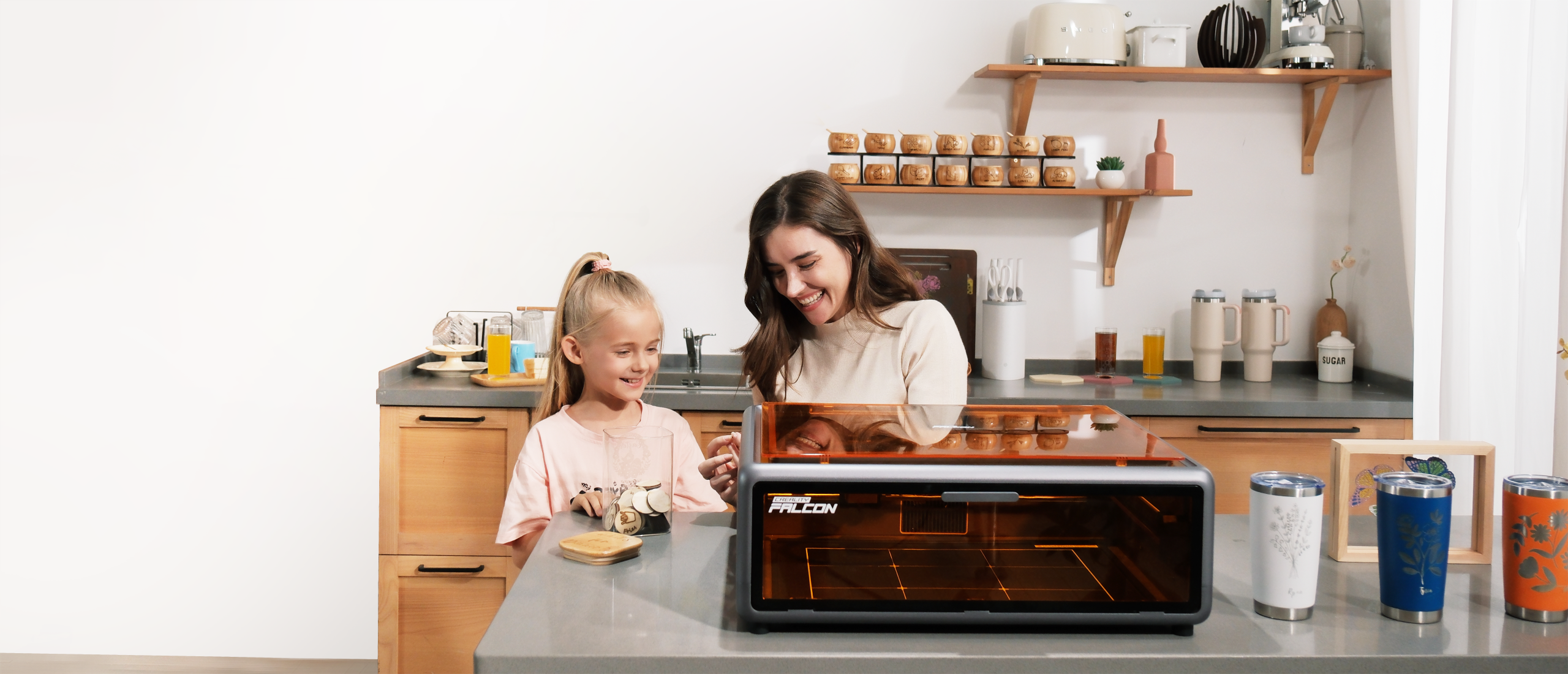
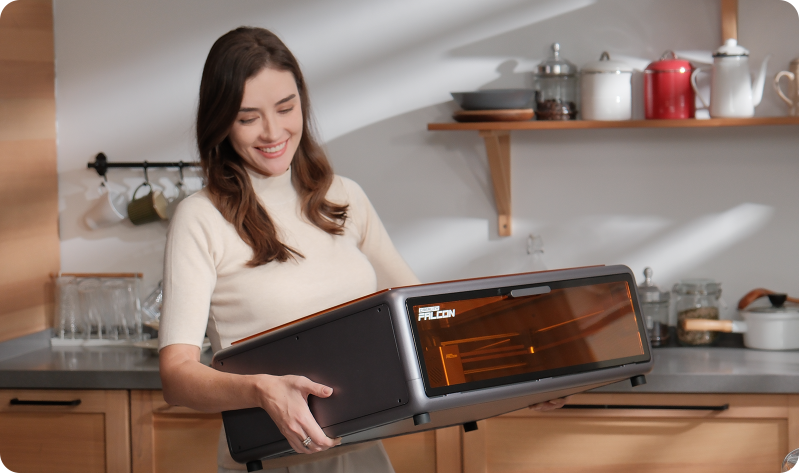
A smiling woman and girl use the Creality Falcon A1 10W Enclosed Diode Laser Engraver by Creality Falcon. Separate images show her holding the engraver and a closeup of its dual window, highlighting its compact, modern design for any workspace.
A screenshot of a computer displaying settings for the Creality Falcon A1 10W Enclosed Diode Laser Engraver with automatic focusing, plus a free test kit.
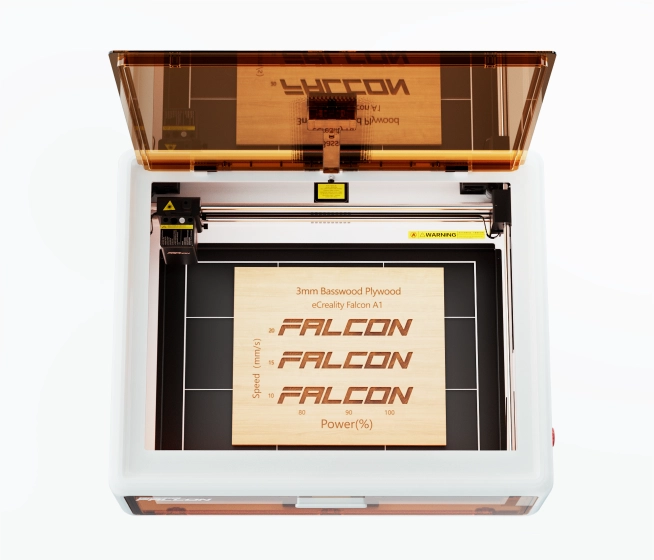
Four images: the large orange Creality Falcon A1 10W Enclosed Diode Laser Engraver with "A Great Solution for Your Experience Upgrade," an air purifier, rotary kit, and Falcon material samples featuring Auto Materials Recognition.
A comparison graphic shows the Creality Falcon Falcon A1 10W Enclosed Diode Laser Engraver engraving an eagle image much faster than another machine. With Auto Materials Recognition and a 56-minute finish, it leads in speed and ease.
Split image: On the left, a woman places the Creality Falcon A1 10W Enclosed Diode Laser Engraver on a counter; on the right, hands assemble a machine labeled "30min Assembly required." Text: "Ready to Use. Compact Design Fits Any Space.
Three Steps to Success: Two women select a design on a laptop, the Creality Falcon A1 10W Enclosed Diode Laser Engraver auto-detects the wood, and a finished wooden puzzle with an engraved pattern is displayed.
A QR code is scanned, and the Creality Falcon Falcon A1 10W Enclosed Diode Laser Engraver auto-displays basswood board settings on the interface. "Materials Auto Recognized" appears at the top.
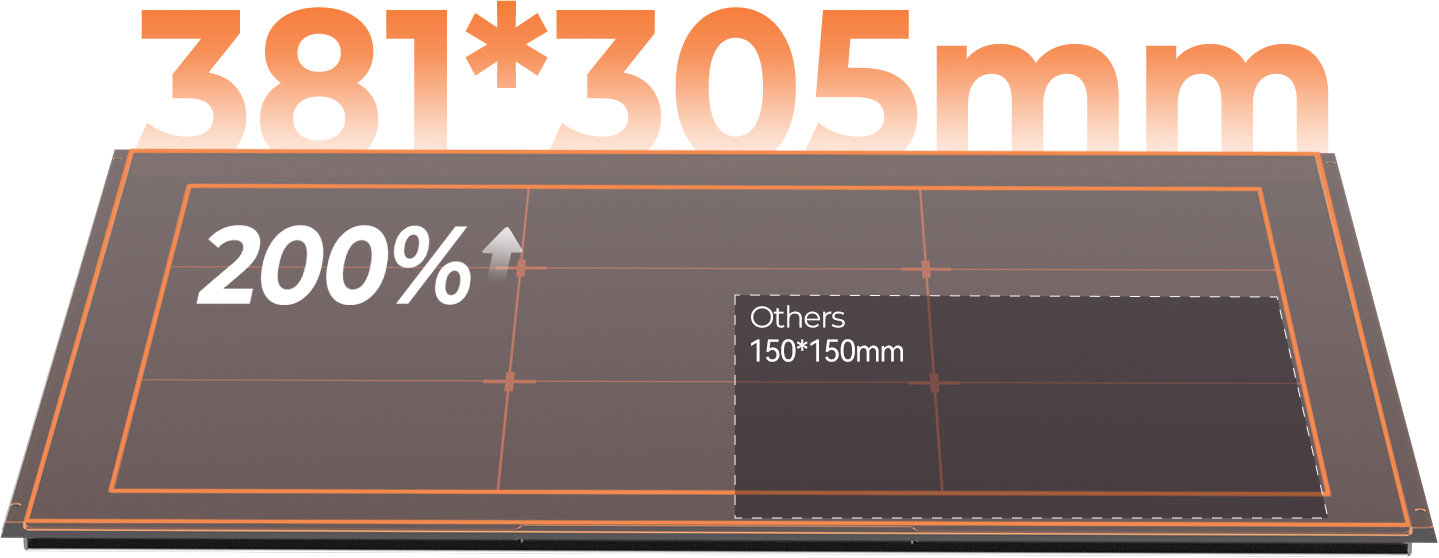
A graphic shows two rectangles: a large 381 x 305 mm "200%" area for the Creality Falcon A1 10W Enclosed Diode Laser Engraver and a smaller 150 x 150 mm "Others" area. Text reads: "Create Big, Create More. Compact to Fit Any Space.
The Creality Falcon Falcon A1 10W Enclosed Diode Laser Engraver features a compact, modern design with an amber-tinted lid, auto material recognition, and convenient side control buttons and ports—ideal for any workspace.
A front view of the compact Creality Falcon Falcon A1 10W Enclosed Diode Laser Engraver shows a modern desktop unit with a transparent amber cover, designed to fit any space and ideal for precise laser engraving or cutting tasks.
The Creality Falcon Falcon A1 10W Enclosed Diode Laser Engraver features a compact, rectangular design with a transparent amber lid and gray body, fitting any workspace and offering auto materials recognition for seamless use.
The Creality Falcon Falcon A1 10W Enclosed Diode Laser Engraver is a compact, rectangular machine with a transparent amber lid, control buttons and ports on the side panel—designed to fit any space.
Front view of the compact Creality Falcon Falcon A1 10W Enclosed Diode Laser Engraver with a translucent orange cover and central black strip. Its rectangular shape and small knob make it the perfect Compact to Fit Any Space solution.
Free Shipping over $49.99
14-Day Return Service
Customer Support
1-Year Warranty

Falcon A1 10W Diode Laser Engraver and Cutter

$549.00 $599.00 -$50.00
Select - Black
Quantity
$549.00 $599.00 -$50.00
Worry-Free Delivery available with seel. Learn More
Free Shipping over $49.99
14-Day Return Service
Customer Support
1-Year Warranty
Use discount code
This is an introduction to the discount code
Code: WELCOME55% OFF
Falcon A1 10W
Estimated delivery time:
$549.00 $599.00 -$50.00
Estimated delivery time:

Creality FaIcon A1

Smarter Camera, Craft Easier

banner.png
Made By Crafters Like You
Why Falcon A1 is Perfect for Beginners?

No Assembly Needed

Perfect for Beginners

3 STEPS
MAKING

10W

True Laser Power

User-friendly
Software

Free Project Files
and Software

Smart Camera

Live Camera Preview
Easy Operation

Safe Enclosed Design

200+

Materials

Three Steps to Witness Magic
No experience? No problem. Falcon Al empowers you to bring your ideas to life in just three simple steps
Pre-assembled for Quick Start
Ready to use straight out of the box, just unpack and start. Hassle-free
from troublesome assembly.

Smart Camera,
Easy Operations

Live Camera Preview
You can directly see the entire working area through the camera, just drag & drop designs exactly where you want them.

  • Materials Auto Recognized

    Falcon Al automatically detects materials using abuilt-in QR code system, optimizing engraving andcutting settings without the need for manual setup.No more time-consuming tests just plug and playfor perfect results.

  • One-click Batch Fill for Efficiency

    The smart camera enables automatic positioning and batch filling, saving time and boosting productivity.

  • Graphic Outline Extraction

    Falcon A1 traces the contours of your designs, capturing creative patterns with the help of an HD camera, making every piece uniquely yours.

Work with 200+ Materials
Wood
Acrylic
Glass
Stainless
Aluminum
Rock
Cloth
Leather
Paper
Felt
Game-changing CoreXY Motion System

CoreXY for up to 600mm/s

The X and Y-axes of Falcon Al are rigged together, with two powerful
motors for fast and stable working.The speed is 3X faster than others

0.03s*0 to 600mm/s

*Data from Creality Lab.

Achieve Precision Perfection
Auto-tensioned XY belts enable shake-free laser module movement, ensuring consistent
0.0lmm accuracy for reliable performance.

Try it, Love it
product-introduce.png
intro-1.png

More Space-saving Design

It occupies significantly less space
than others of a similar build volume,
compact to fit any space.

Printer Dimensions: 447.5*553*200mm. Space Efficiency: 47%*

Mastering the Home Style

Weighing only 20lbs to carry
anywhere, create a creative
"comfort zone" at home
intro-2.png

Create Big, Create More

Large work area for your infinite creativity
work-area.png
The Differences Between 3 Versions

Specifications

Product Name
Creality Falcon A1
Machine Power (MAX)
120W
Optical Power
10W
Product Size
567 × 468 × 196 mm
Equipment Weight
15.55 kg
Input Voltage
100-240V~ 50-60Hz
Output Voltage
DC 24.0V 5.0A
Operating Temperature
5°C - 35°C
Engraving Area
305 mm × 381 mm
Laser Source
Diode Laser
Laser Spot
0.06 × 0.08 mm
Laser Wavelength
455±15 nm
Laser Class
Class 1 (FDA)
Laser Engraving Software
LightBurn、LaserGRBL、Falcon Design Space
Operating System
Windows/MacOS
Supported File Formats
Jpeg,jpg,png,bmp,svg,dxf,etc.
Supported Materials
Cardboard, wood, bamboo, rubber, leather,
fabric, acrylic, plastic, etc
Certifications
EC60825、FDA、CE、ROHS、FCC、UL Report、PSE、SAA、RCM
Gross Weight
25.74 kg
Package Size
770 × 645 × 285 mm
Care-Free Use at Home

Strong Smoke Extraction

Efficient smoke extraction quickly removes smoke and dust during engraving. ensuring a safe and fresh environment for home use.


Free Air Assist Set

Blowing away hot smoke when cutting materials, reducethe temperature, and cut more clean and smooth.

Strong Smoke Extraction
Free Air Assist Set

Efficient smoke extraction quickly removes smoke and dust during engraving. ensuring a safe and fresh environment for home use.
Blowing away hot smoke when cutting materials, reducethe temperature, and cut more clean and smooth.
equity-1.png

Enclosed Design for Home Use

CrealityFalcon A1's enclosed design is safe
for creating, ready for your
home entertainment.

equity-2.png

Class 1 Laser Safety

Blowing away hot smoke when cutting
materials, reduce the temperature,
and cut more clean and smooth.

equity-3.png

Eye-Protection Cover

The fully enclosed cover blocks the
harmful laser light, you can enjoy your
craft creating without worry.

equity-4.png

Extraction Fan

Built-in smoke exhaust filter and two
cooling fans on the laser head to
effectively extract the smoke
during processing.

equity-5.png

Smart Laser Leakproof

During laser work, lid-open safety
stop, designed to prevent laser leakage.

equity-6.png

Emergency Stop Button

Has a built-in emergency stop button
for a quick shutdown in case
of emergency.

Unique Images Editing are In Your Control

The Falcon Software offeringvarious editing functions to make your projects truly unique. Versatile Editing For All Design Levels.

Edit Nodes
Shape Split and Close
Free Line Drawing Pen

A Great Solution for Your Experience Upgrade
CV40_ungrade-1_blur.png

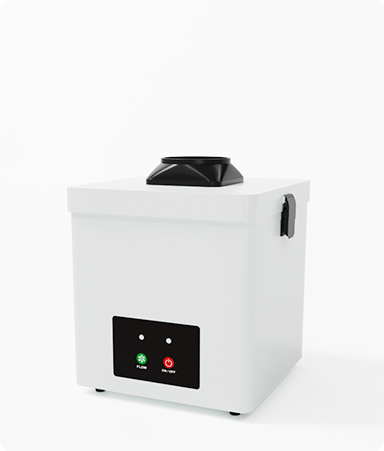
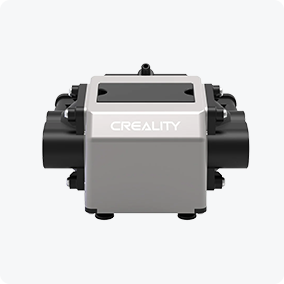
High-Efficiency Air Purifier

ungrade-2.png

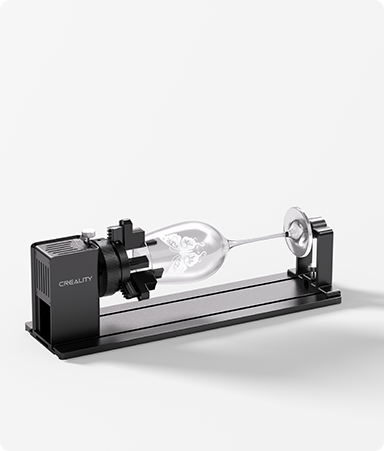
Rotary Kit for Expanded Creativity

ungrade-3.png

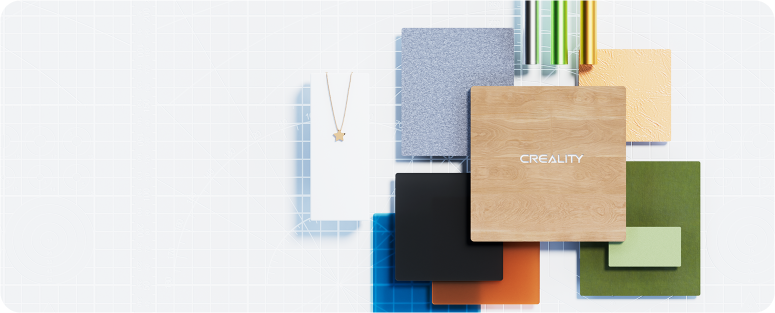
Falcon Selected Materials

ungrade-4.png

In the Box

mod (1).png

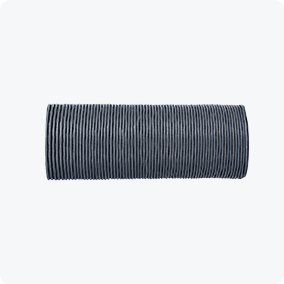
Exhaust Pipe

mod (2).png

The Principal Part

mod (3).png

Hose Clamp

mod (4).png

Air Assist Equipment

mod (5).png

Silicone Tube

mod (6).png

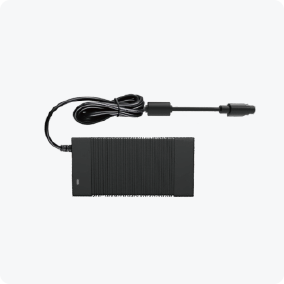
Power Supply

mod (7).png

Basswood
(300*300*3mm)

mod (8).png

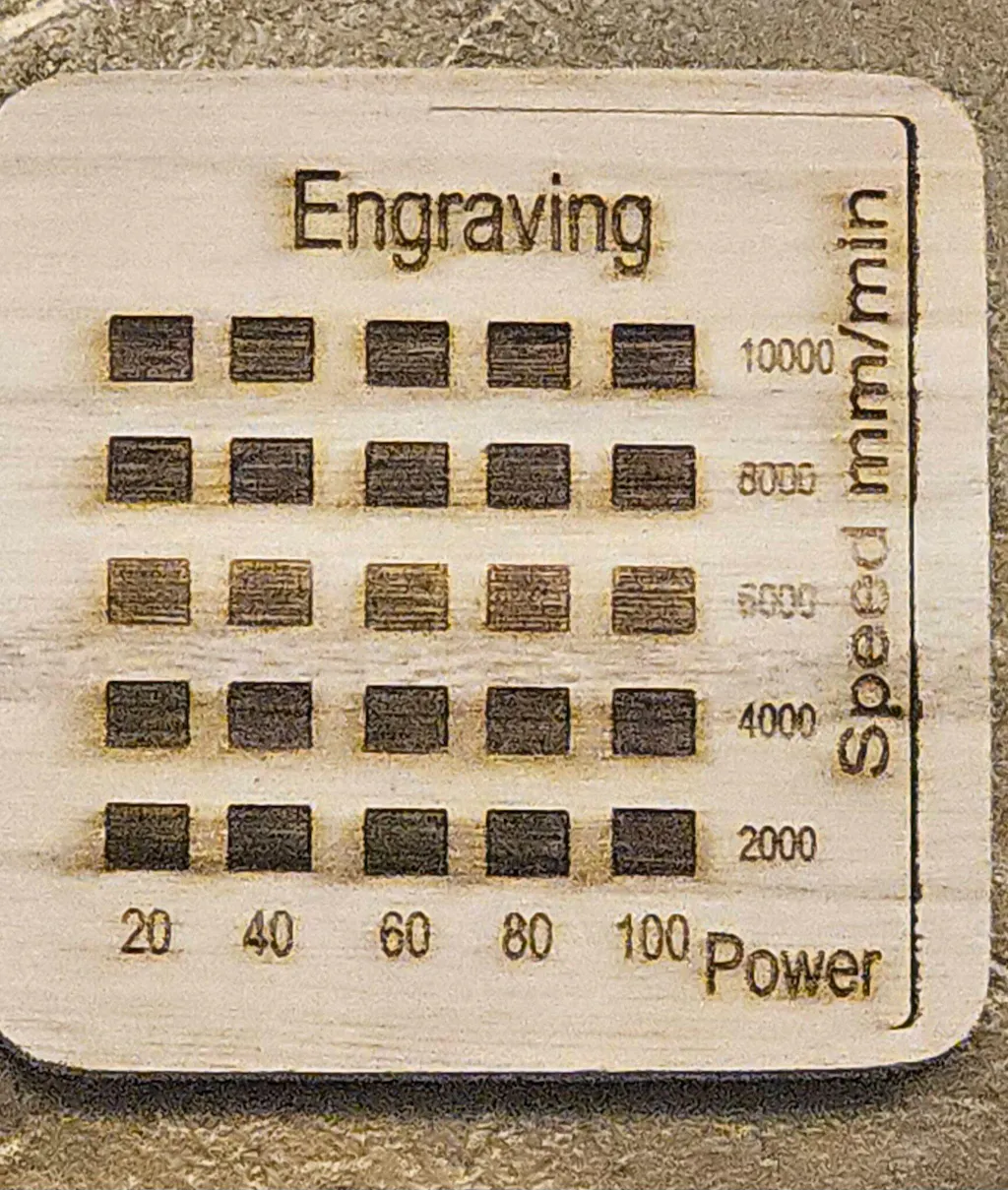
Test Calibration Card

mod (9).png

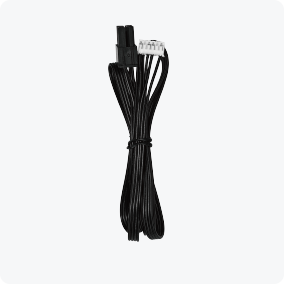
Rotary Kit
Connection Cable

mod (10).png

Multi-level Fixed
Focus Block

mod (11).png

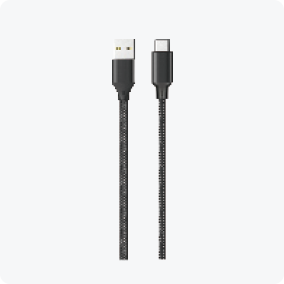
Type A to
Type C Cable

mod (12).png

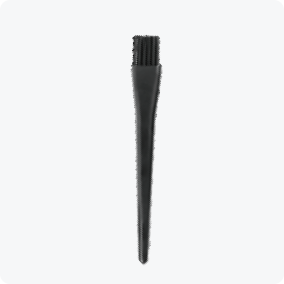
Anti-static Brush

mod (13).png

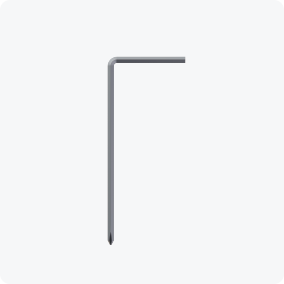
Allen Wrench

Share, Discuss, and Inspire at Falcon A1 Community

Join In Us

Share your creations

Discuss your questions

Explore Diverse Event

Specs

Safety Certifications
FDA、CE、ROHS、FCC、PSE
Optical Power
20W+2W IR
Laser Source
Semiconductor laser(20W)
Solid-State Laser(2W)
Product Dimensions
567*468*211mm
Engraving Area
268*358mm
Net Weight
16.8kg
Laser Wavelength
455±5nm(20W)
1064±1nm(2W)
Input Voltage
100-240V~ 50-60Hz
Safety Class
Class 1(FDA)
Output Voltage
DC 24.0V 7.5A
Operating System
Windows/MacOS
Operating Temperature
5℃-35℃
Laser Engraving Software
Falcon Design Space、LightBurn、LaserGRBL
Supported File Formats
Jpeg, jpg, png, bmp, svg, dxf, etc.
Supported Materials
1、Cardboard, wood, bamboo, rubber, leather, fabric, acrylic, plastic, etc.
2、Metal (should go with 2W Solid-state laser)

Download

Falcon Design Space

Windows Windows10 and above
Download
MacOS Compatible with MacOS11 and above
Download

FAQs

A laser cutter machine is perfect for a variety of projects, including intricate designs and functional items. You can use it for crafting, woodworking, and even creating prototypes, making it an essential tool for both hobbyists and professionals.
How do I maintain my laser engraver?
Regular maintenance includes cleaning the lens and mirrors, checking alignment, and ensuring proper ventilation. Refer to your user manual for a detailed maintenance schedule and steps.
What materials can A1 cut/engrave?
Falcon A1 (10W diode laser) works with wood, opaque/colored acrylic, paper, cardboard, glass (with coating), anodized aluminum, stone, marble, fabric, and textiles.
What software is compatible with Falcon A1 Laser?
For the best experience, use Falcon Design Space. It offers auto-filled material settings, a beginner's guide, free project files, and more! It also works with LightBurn and LaserGRBL.
Is it safe to use at home?
Yes. It features a fully enclosed Class 1 safety design, which blocks harmful laser light and automatically stops operation when the lid is opened. This makes it safe for home, studio, and even classroom use—no goggles required.
Can I actually make money with this machine?
Yes—and that’s exactly what many buyers use it for. Typical profitable products include: Personalized gifts (names, photos, keychains) Wedding items (invitations, signs) Etsy best-sellers (coasters, leather goods) Small business branding (logos on packaging)
I’ve never used a laser machine—will it be hard?
Not at all. This is one of the easiest lasers to start with. Fully pre-assembled → no setup stress Smart camera → drag-and-drop positioning Auto material settings → no guessing 👉 Compared to traditional open-frame lasers, this removes 90% of beginner frustration.