

























How to Choose a Laser Engraving Machine for Beginners

Choosing a first laser engraving machine can feel overwhelming.
Power ratings, software compatibility, safety features, and price ranges all play a role in the decision.
This guide explains what beginners actually need to know before buying a laser engraver.
It covers the basic technology behind engraving machines, the features that make a machine beginner-friendly, and the practical workflow from design to finished project.
By the end, readers should have a clear understanding of how to evaluate entry-level machines, what specifications matter most, and how to set up a safe and efficient beginner engraving workspace.
Step 1: Understanding Laser Engraving Basics
A laser engraving machine uses a focused beam of light to remove material from a surface.
Depending on the settings and power level, the laser can either engrave a design onto the material or cut through it completely.
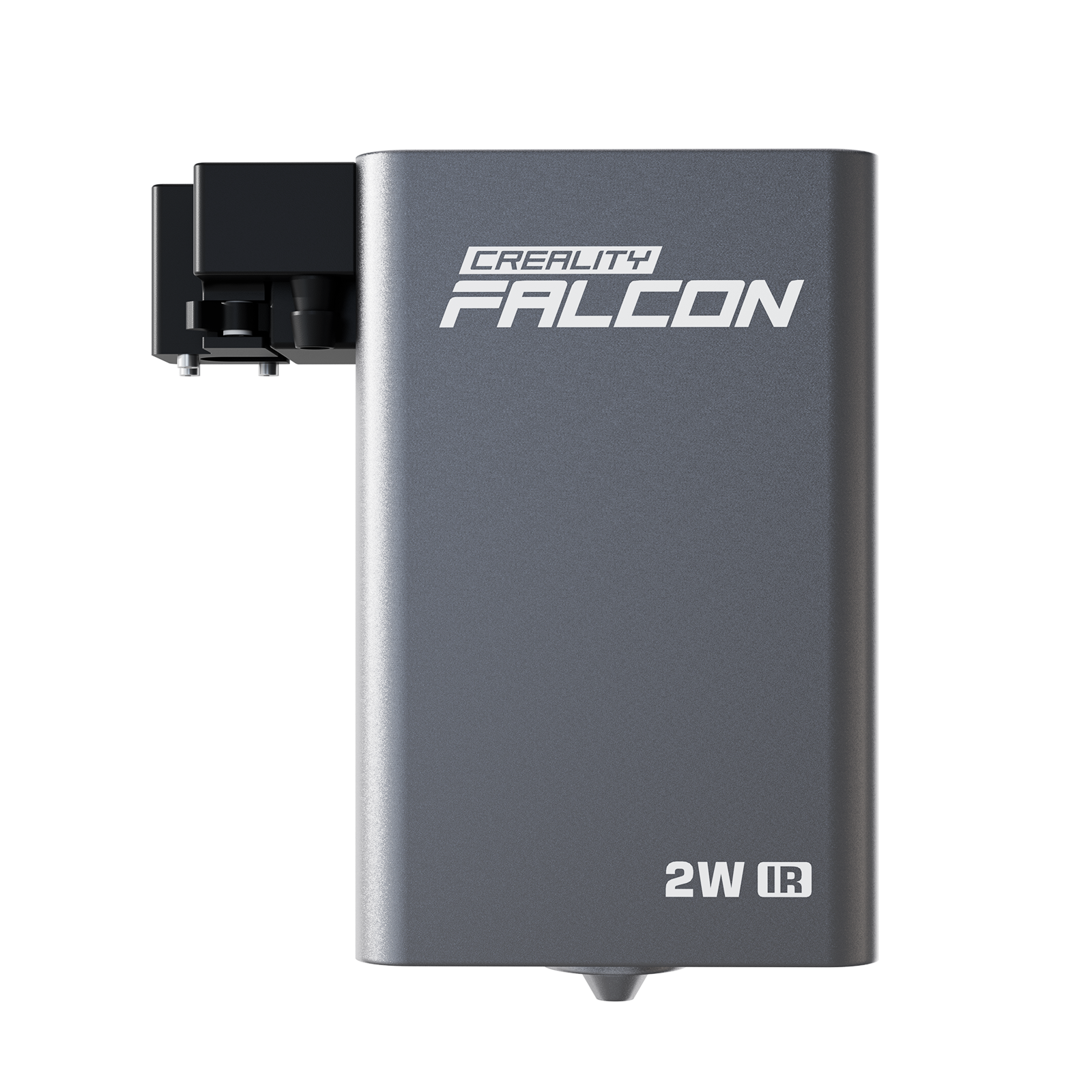
Most beginner machines use diode lasers, which typically range from 5W to 20W.
This power level is strong enough for common materials while keeping the machine affordable and manageable for home workshops.

Materials that work well for beginners include:
- wood
- leather
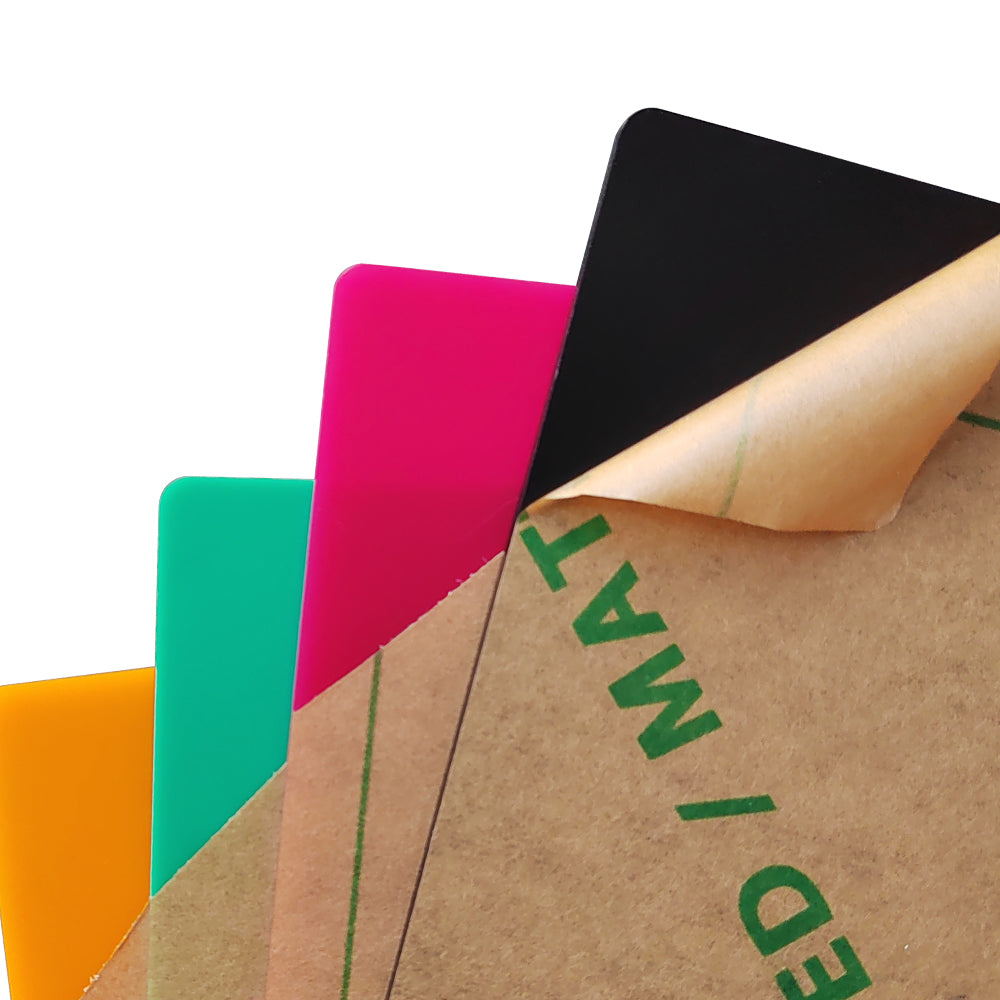
- acrylic
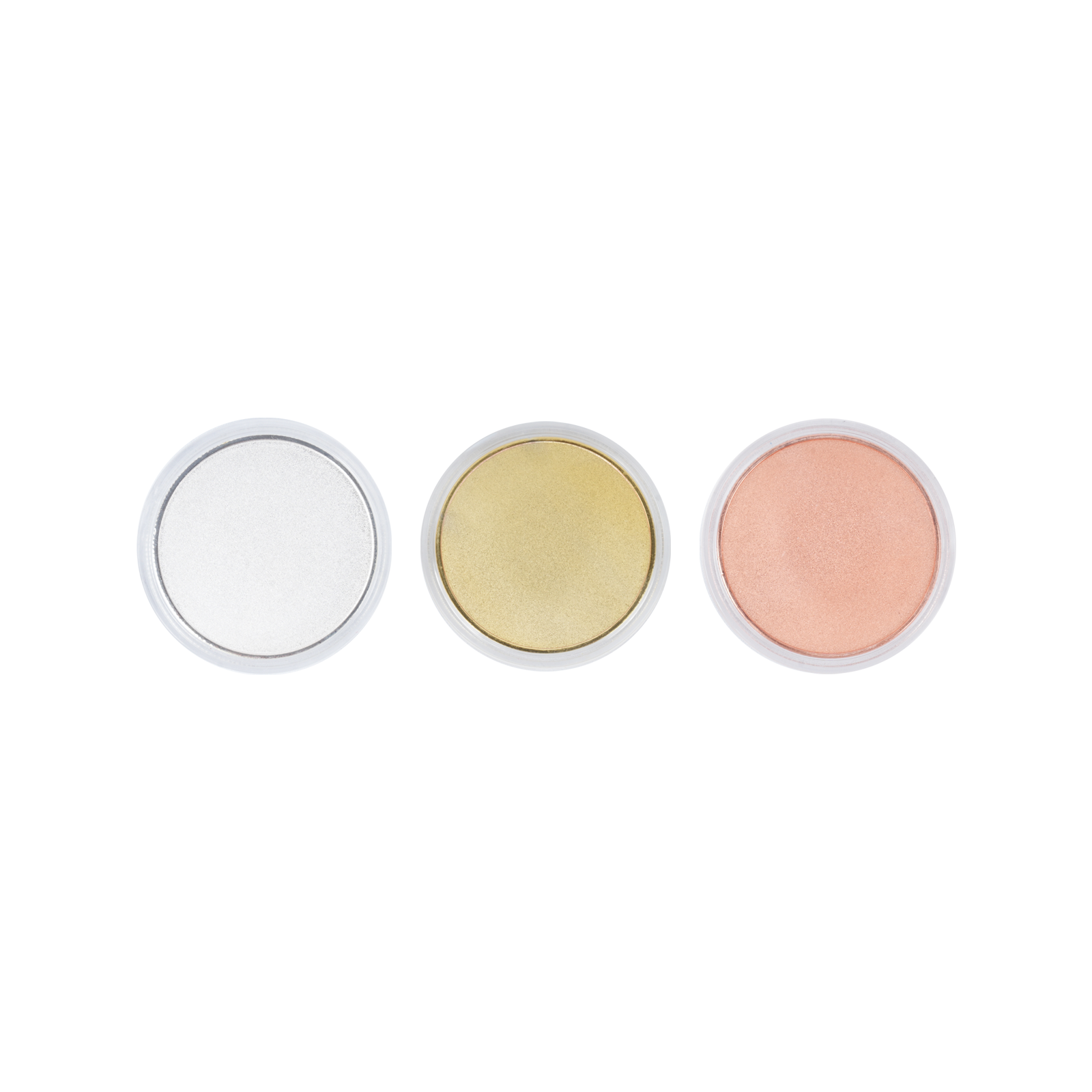
- coated metals, such as anodized aluminum
Greater detail often requires higher DPI (dots per inch) settings.
However, increasing DPI also slows the engraving speed.
Finding the right balance between detail and efficiency is an important part of learning laser engraving.
The basic workflow is straightforward:
- Create or import a design file
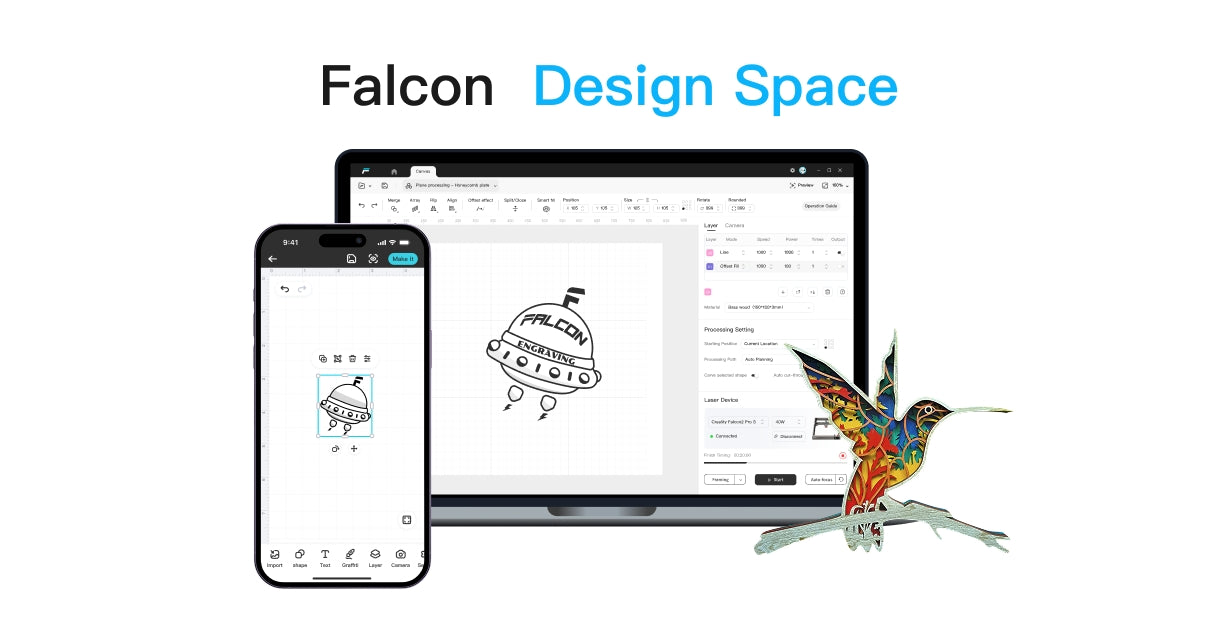
- Adjust engraving settings in software such as LightBurn
- Position the material on the machine bed
- Focus the laser
- Run a small test before the final engraving
Following this process helps avoid mistakes and wasted material.
Step 2: Understanding Essential Features
Some laser engravers are much easier for beginners to learn than others.
The best entry-level machines share several practical features.
Clear and intuitive software is one of the most important.
Beginner machines should support common file formats and provide simple controls for adjusting speed, power, and engraving settings.
Connectivity also matters.
Machines that support USB or Wi-Fi file transfer simplify the process of sending designs to the engraver.
Workspace size is another key consideration.
A 200 × 300 mm work area is large enough for many beginner projects such as coasters, small signs, and personalized gifts, while still fitting on a typical hobby desk.
Safety features should never be overlooked. Beginner-friendly machines often include:
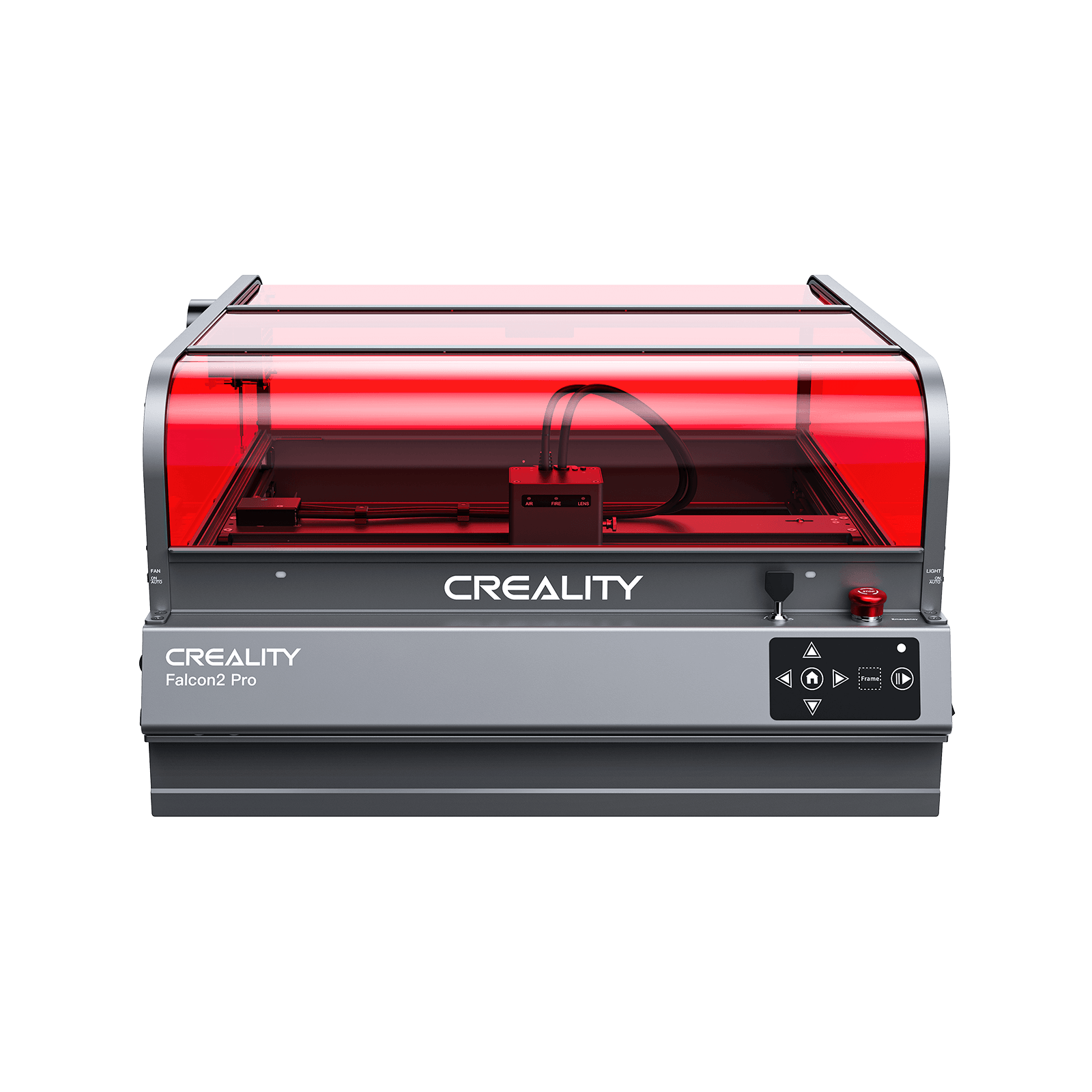
- enclosed cabinets
- safety interlock doors
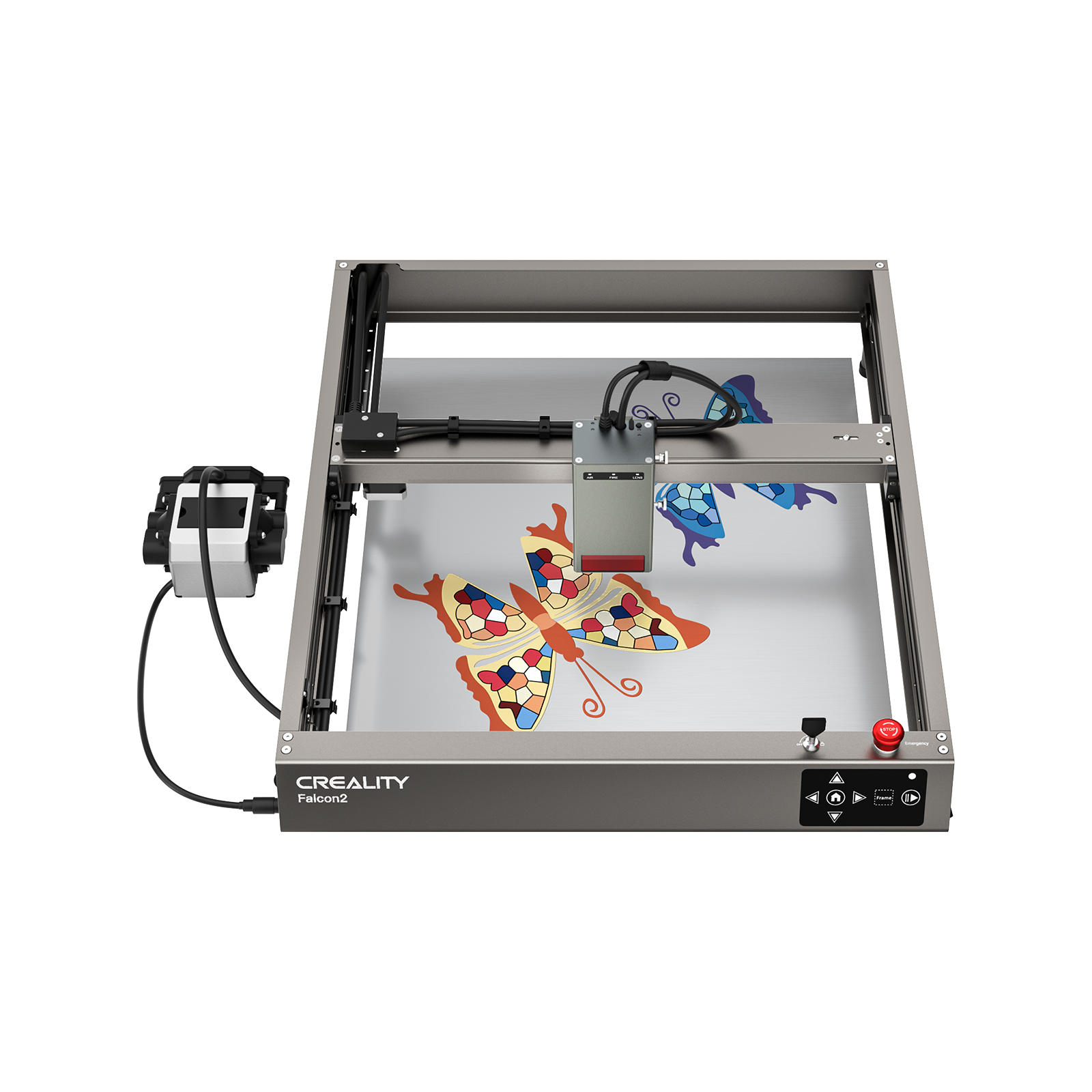
- emergency stop buttons
- ventilation ports for exhaust systems
Reliable construction also reduces frustration. Machines with stable frames, pre-aligned optics, and accessible components are easier to maintain and troubleshoot.
Step 3: Choosing the Right Laser Engraver
When comparing beginner machines, power ratings such as 10W vs 20W often appear as the main difference.
- A 10W diode laser is usually sufficient for detailed engraving on materials like wood, acrylic, and leather.
- A 20W laser engraver offers faster cutting speeds and can handle thicker materials more efficiently.
Some machines also include optional features such as:
- air assist systems
- positioning cameras
- upgraded motion systems
These features can improve cutting quality and alignment accuracy, even for beginners.
It is also helpful to check whether the manufacturer provides good documentation, tutorials, and active user communities. Reliable support can make the learning process much smoother.
Upgrade potential is another factor worth considering. Some machines allow users to add accessories such as air assist modules or expanded work areas as skills develop.
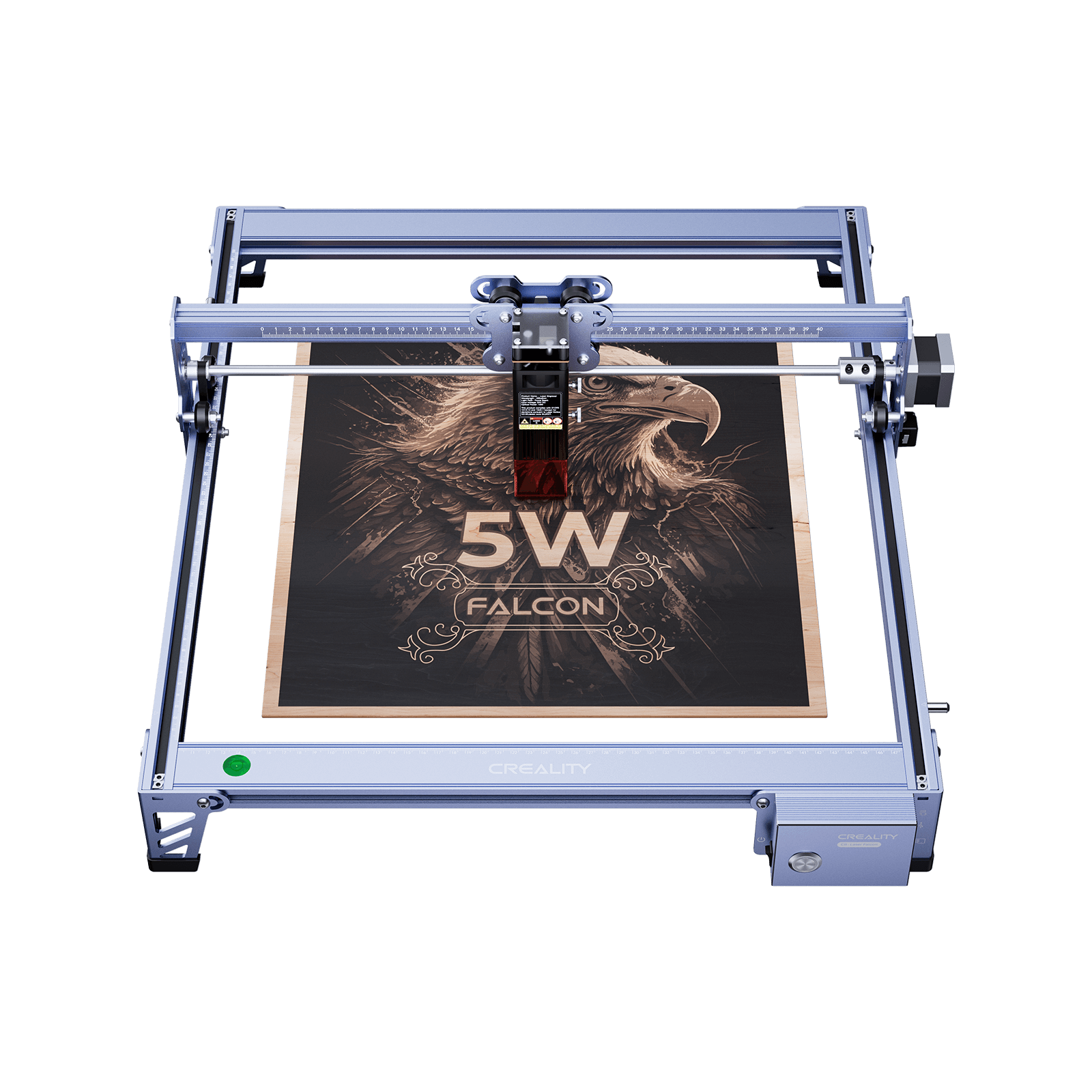
Creality Falcon Best-Fit Pick
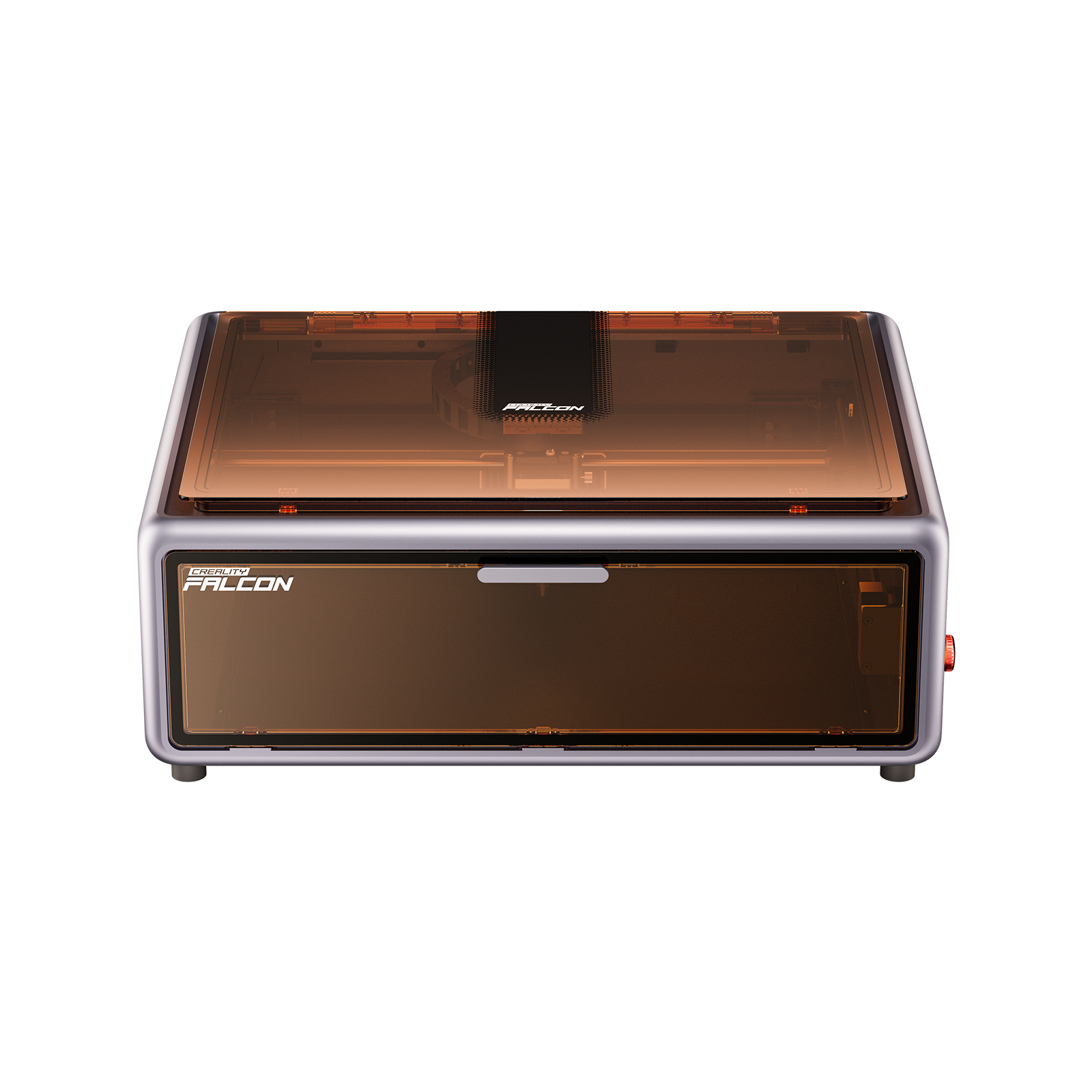
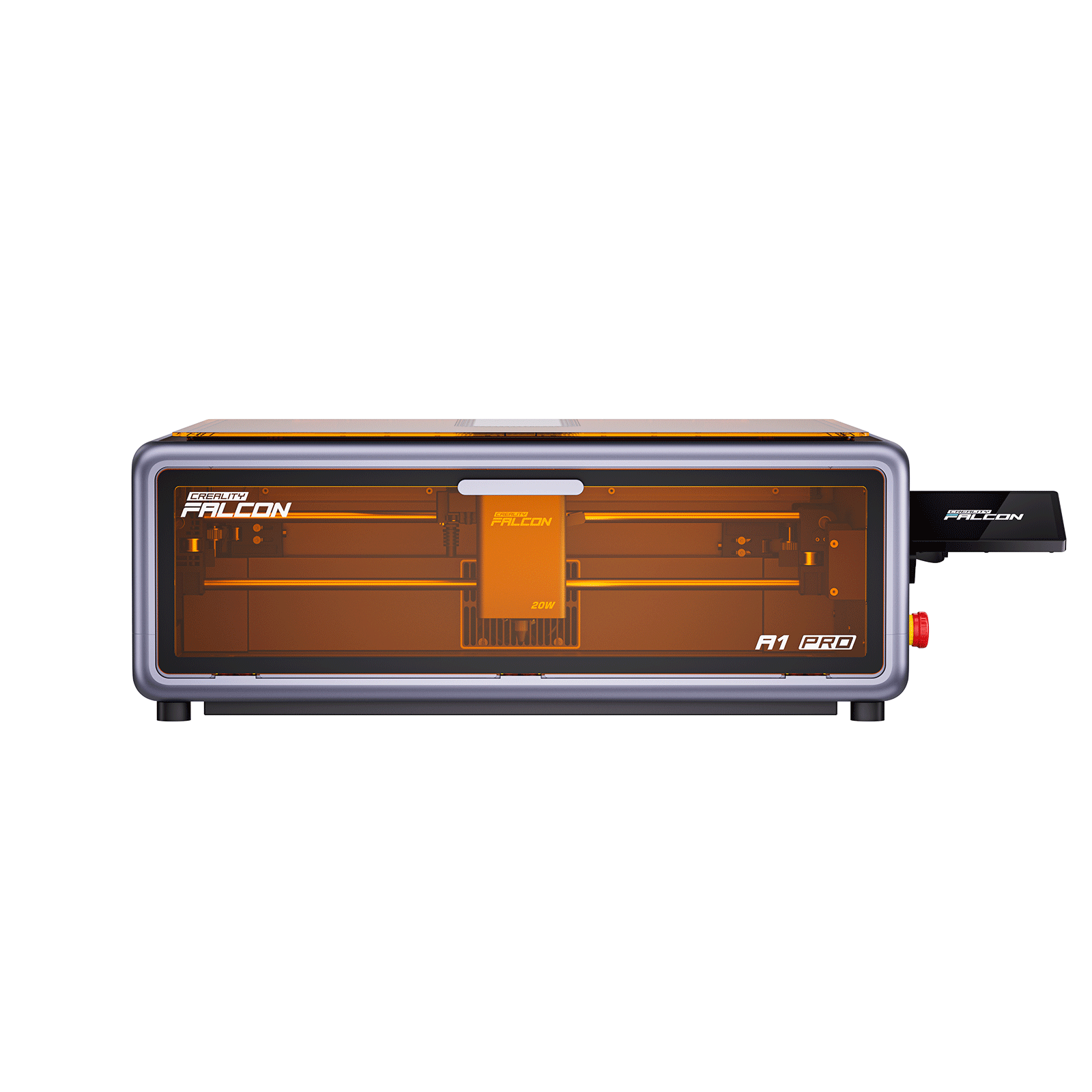
The Falcon A1 Pro 20W strikes an ideal balance between performance, safety, and ease of use.
It is perfect for beginners who need a machine that is simple to master yet powerful enough to grow with their skills, significantly flattening the learning curve for newcomers.
Key advantages
- 20W dual-laser system provides stronger cutting and faster engraving, allowing beginners to work with thicker wood and acrylic without needing complex setup adjustments.
- Fully enclosed design improves safety and reduces smoke exposure, making it suitable for home workshops or small studio environments.
- Auto-focus and smart camera positioning simplify alignment, helping beginners place designs accurately without manual measuring.
- User-friendly software ecosystem supports both Creality tools and common design formats, making it easy to start engraving without advanced technical knowledge.
- Reliable motion system ensures consistent engraving quality, even for detailed designs or small production batches.
Step 4: Budget Planning and Buying Tips
The machine itself is only part of the total investment.
Most beginner laser engravers cost between $400 and $1,000, depending on power level, build quality, and included features.
Additional equipment may include:
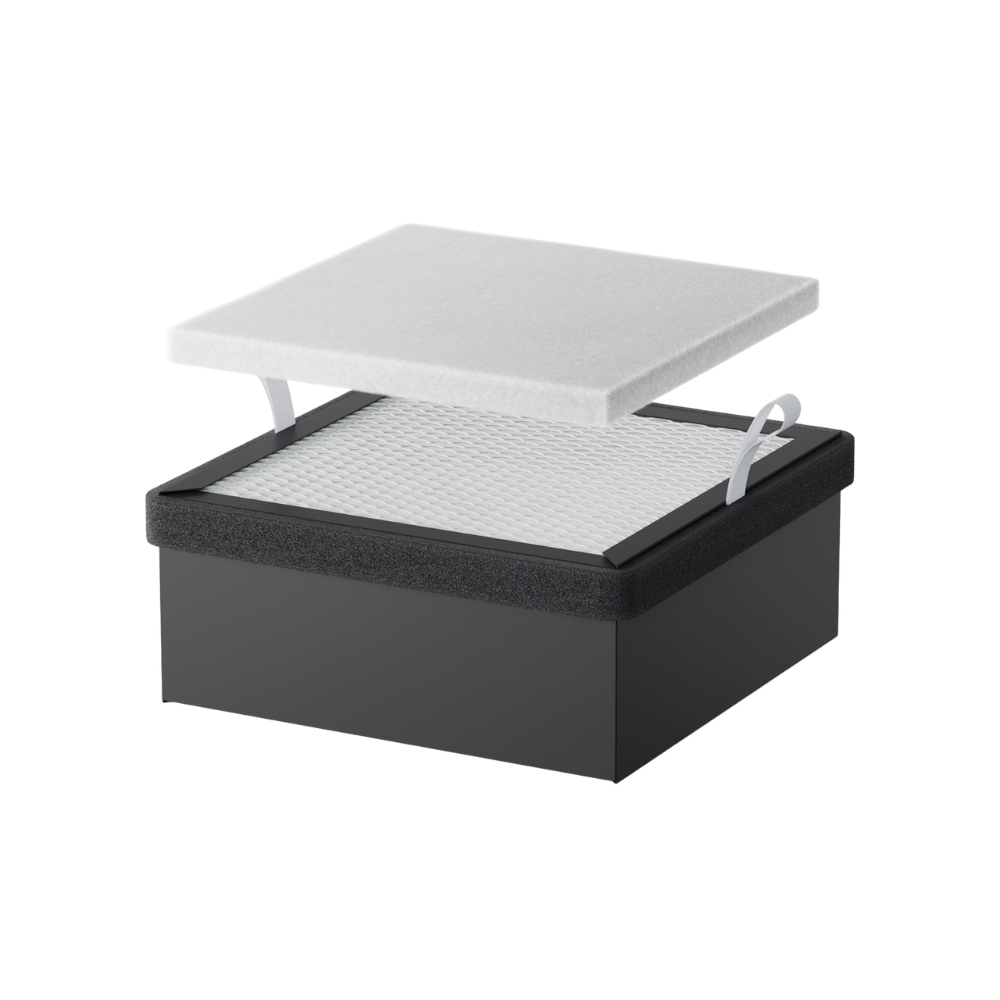
- ventilation systems or exhaust fans
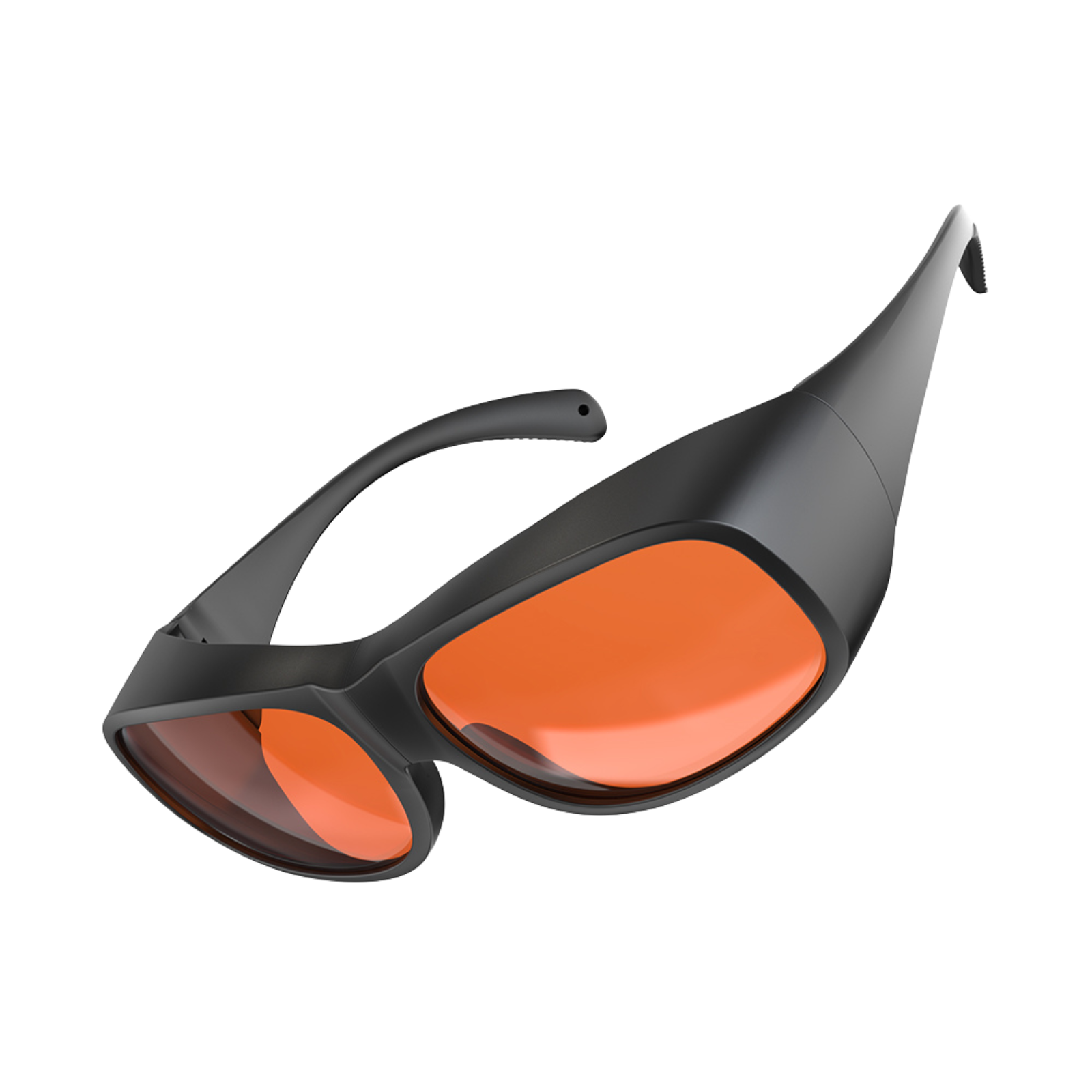
- laser safety glasses
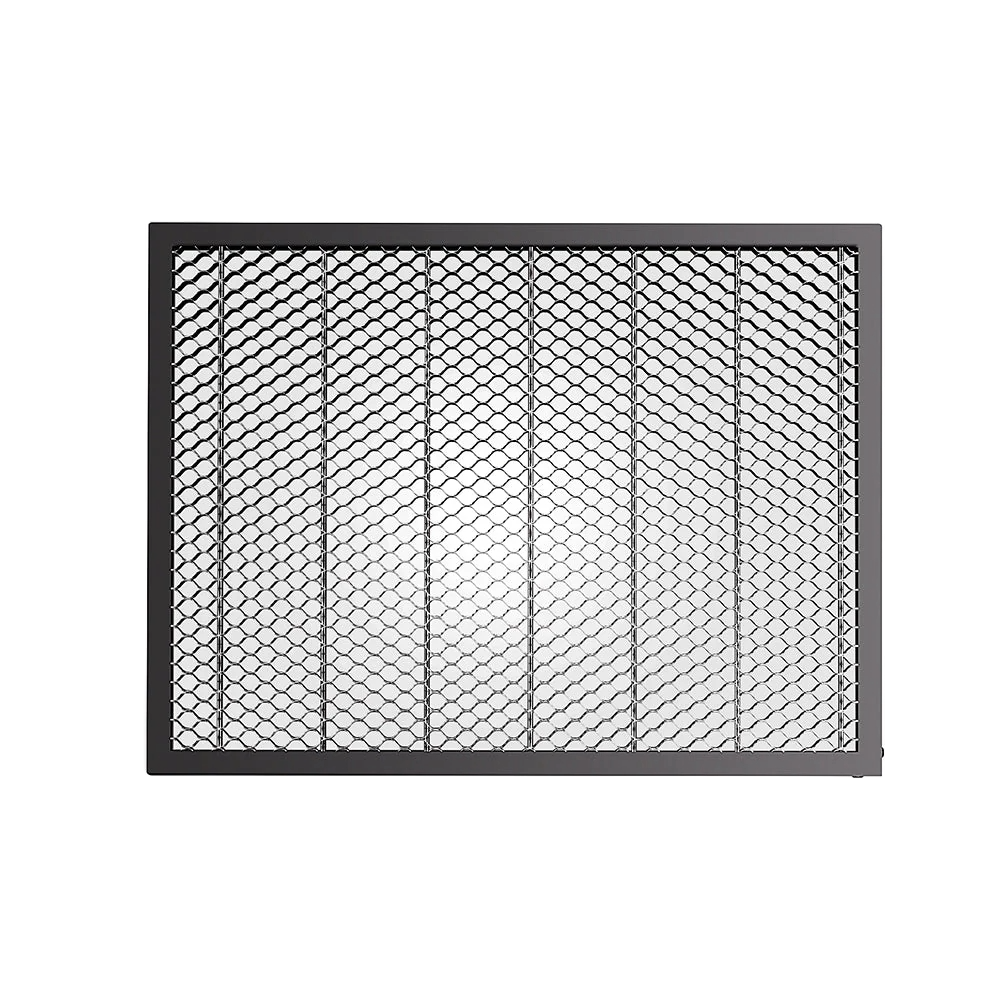
- honeycomb working beds
- starter material packs
There are also ongoing operating costs. Over time, users may need to replace components such as laser modules, lenses, or protective materials like masking tape.
Buying bundled packages that include accessories can often reduce the initial cost.
However, choosing a well-built machine with a stable frame and reliable electronics is usually worth the slightly higher price.
Step 5: Safety and Proper Workspace Setup
Laser engraving involves heat, smoke, and potentially hazardous fumes. A safe workspace setup is essential.
Proper ventilation should always be installed. Exhaust systems should vent outside or pass through filtered air extractors, especially when engraving plastics or adhesive materials.
Basic safety practices include:
- keeping a fire extinguisher nearby
- never leaving the machine unattended during operation
- maintaining a clear workspace around the machine
Eye protection is recommended even when using enclosed machines, as reflective surfaces can occasionally redirect laser light.
Creating a simple operating checklist can also help reduce mistakes. Before starting any job, confirm that:
- the material is positioned correctly
- the laser is properly focused
- the enclosure door is closed
- the exhaust system is running
Project Ideas and Materials for Beginners
Starting with simple materials and small projects helps beginners learn laser engraving much faster.
The goal of the first few projects should be learning how the machine behaves rather than making complex designs.

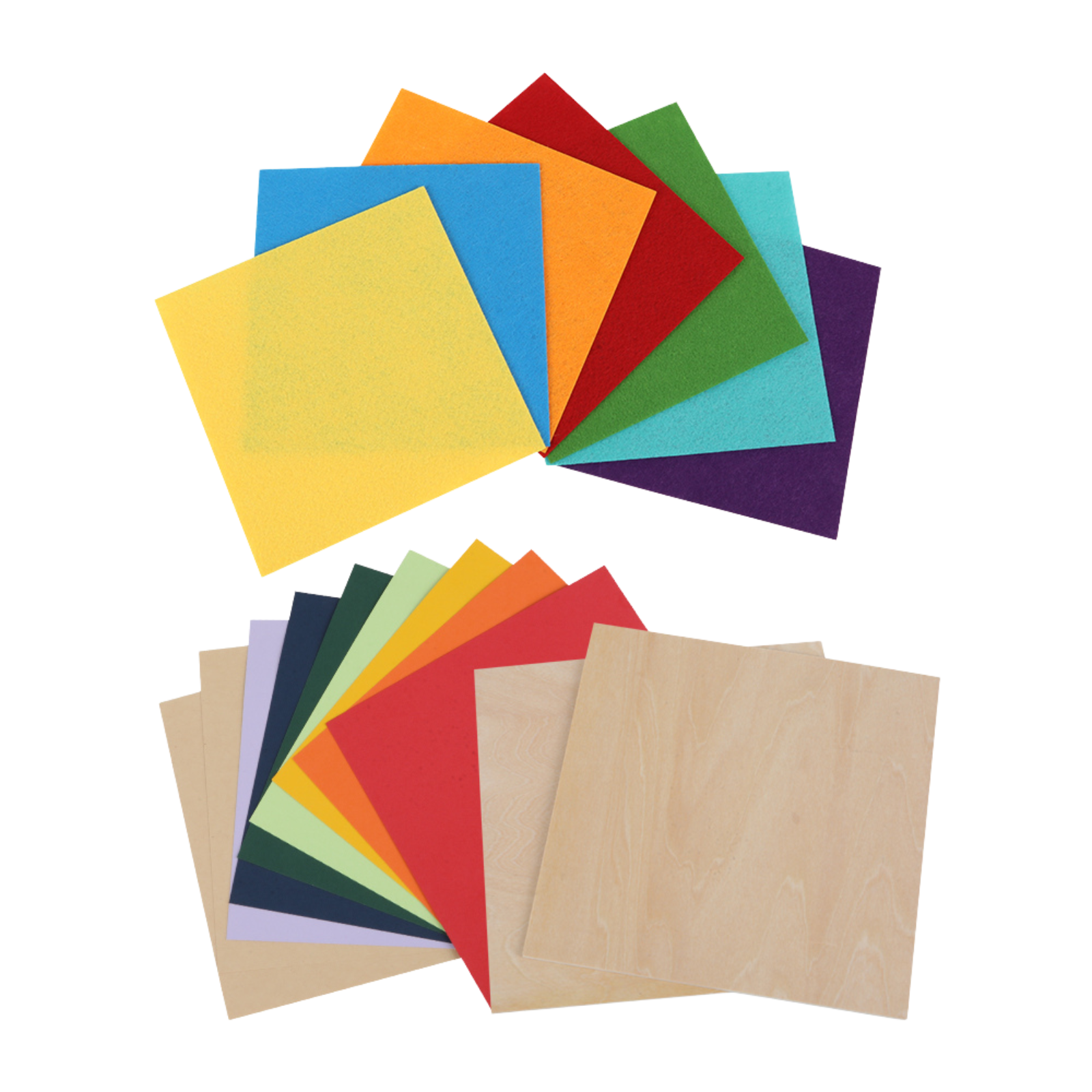
Some beginner-friendly materials include:
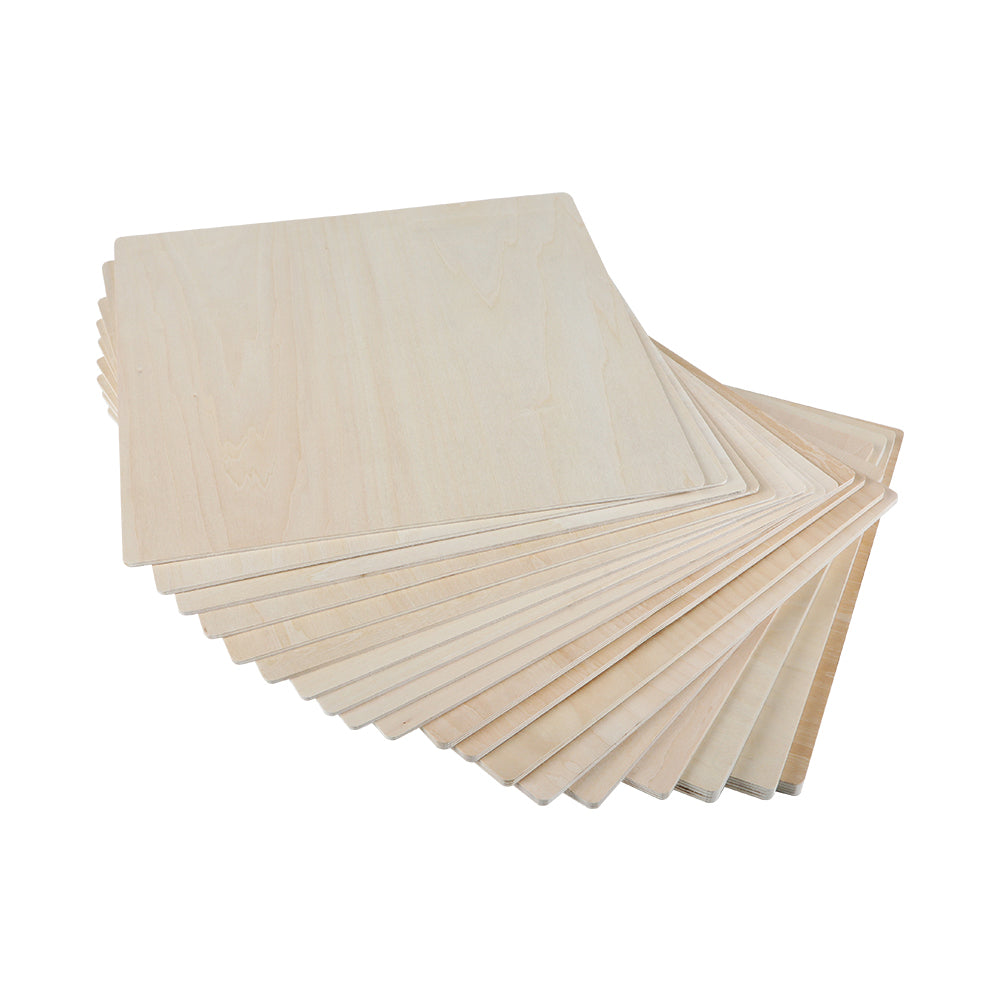
- basswood sheets – soft wood that engraves cleanly and consistently
- cardboard or kraft paper – inexpensive and perfect for testing settings
- bamboo coasters – easy to engrave and widely available online
- black anodized aluminum cards – produce high-contrast engravings with minimal setup
- thin plywood (3mm) – a common material for beginner engraving and light cutting
Good starter projects include:
- engraved bamboo coasters
- personalized wooden bookmarks
- simple logo engravings on plywood
- engraved aluminum business cards
- small nameplates or labels
These projects require minimal setup and allow beginners to experiment with speed and power settings without wasting expensive materials.
Final Thoughts
Choosing a first laser engraving machine doesn’t have to be complicated.
Once beginners understand the basic technology, key features, and common materials, it becomes much easier to evaluate different machines and make a confident decision.
For most beginners, the ideal laser engraver balances manageable power, user-friendly software, reliable safety features, and reasonable cost.
Starting with simple materials and small projects also helps build skills quickly without unnecessary frustration.
Machines like the Creality Falcon A1 Pro 20W demonstrate how modern desktop engravers can simplify the learning process with smart features, stable performance, and beginner-friendly workflows.
With the right machine, a safe workspace, and a few practice projects, beginners can quickly move from their first test engravings to creating personalized products, creative crafts, and even small business items.
Recent News

12 World Cup Laser Engraving Ideas for Fans
Explore world cup laser engraving ideas for fan gifts, tumblers, coasters, signs, and safe soccer-inspired designs makers can...

What Materials Does a Laser Cutter Cut Safely
Find out what materials does a laser cutter cut, which plastics to avoid, and how CO2, diode, and...

7 Best Laser Engravers Under $1000
Quick Answer:The best laser engraver under $1000 should be chosen by total setup cost, not machine price alone.For most...