







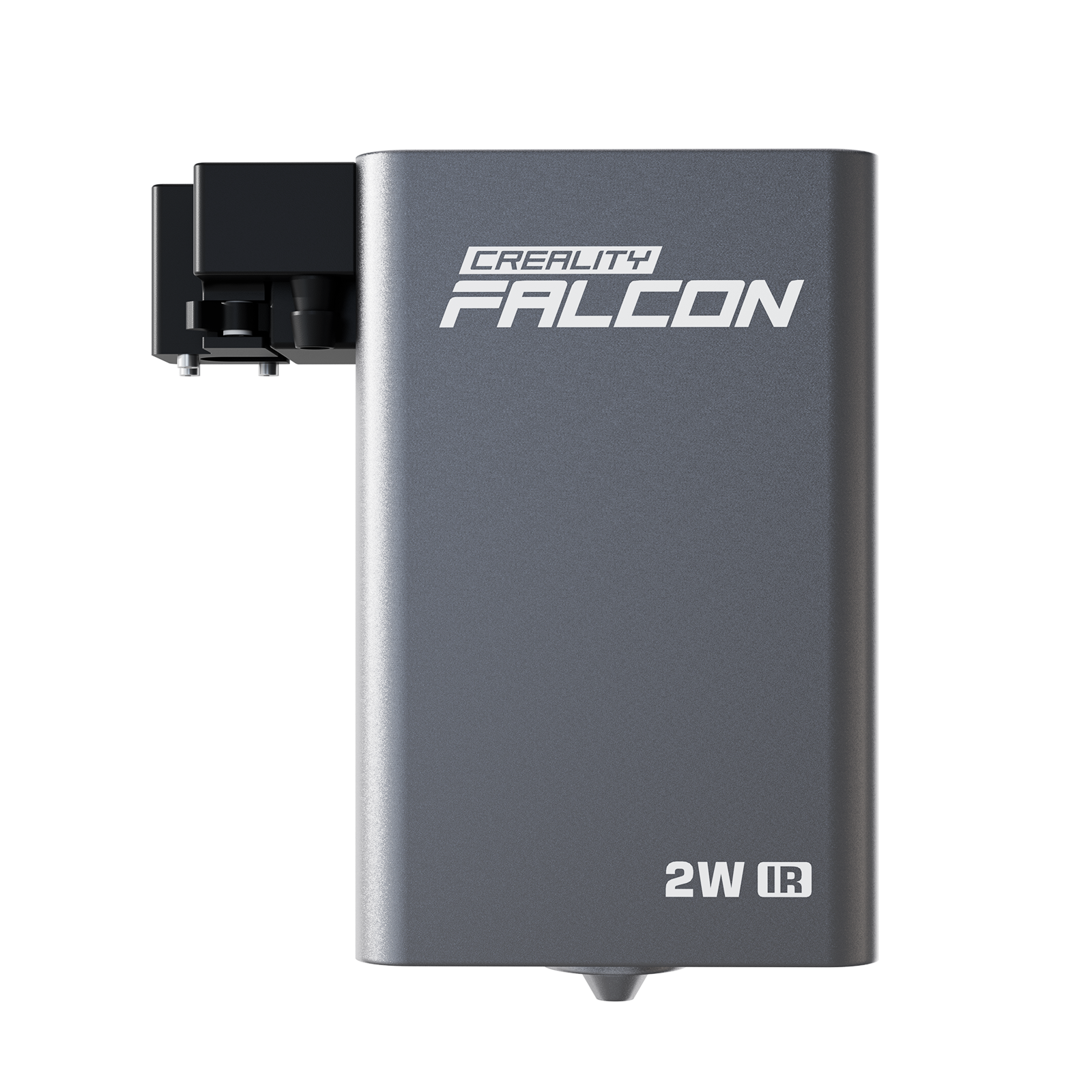




















Diode Laser Cutter Guide: What to Buy and What It Can Cut

Hey makers and creators!
If you’re searching “diode laser cutter”, you’re probably not here for a long technical lecture.
You want clear answers:
- Can it cut what I need?
- Is it worth the money?
- What specs actually matter?
This guide breaks it down in a simple, practical way so you can choose the right machine and avoid common mistakes.
Should You Buy One
A diode laser cutter is a great choice if you want to cut and engrave common craft materials like wood and leather without spending CO2-level money.
It’s a smart pick for hobbyists, teachers, small workshops, and side hustles selling customized products.

But it is not the best tool if your main goal is cutting clear acrylic, cutting metal, or doing high-volume production fast.
What It Can Cut
Diode lasers work best on materials that absorb the laser well.
That’s why they are popular for organic materials and light production work.
Best Materials
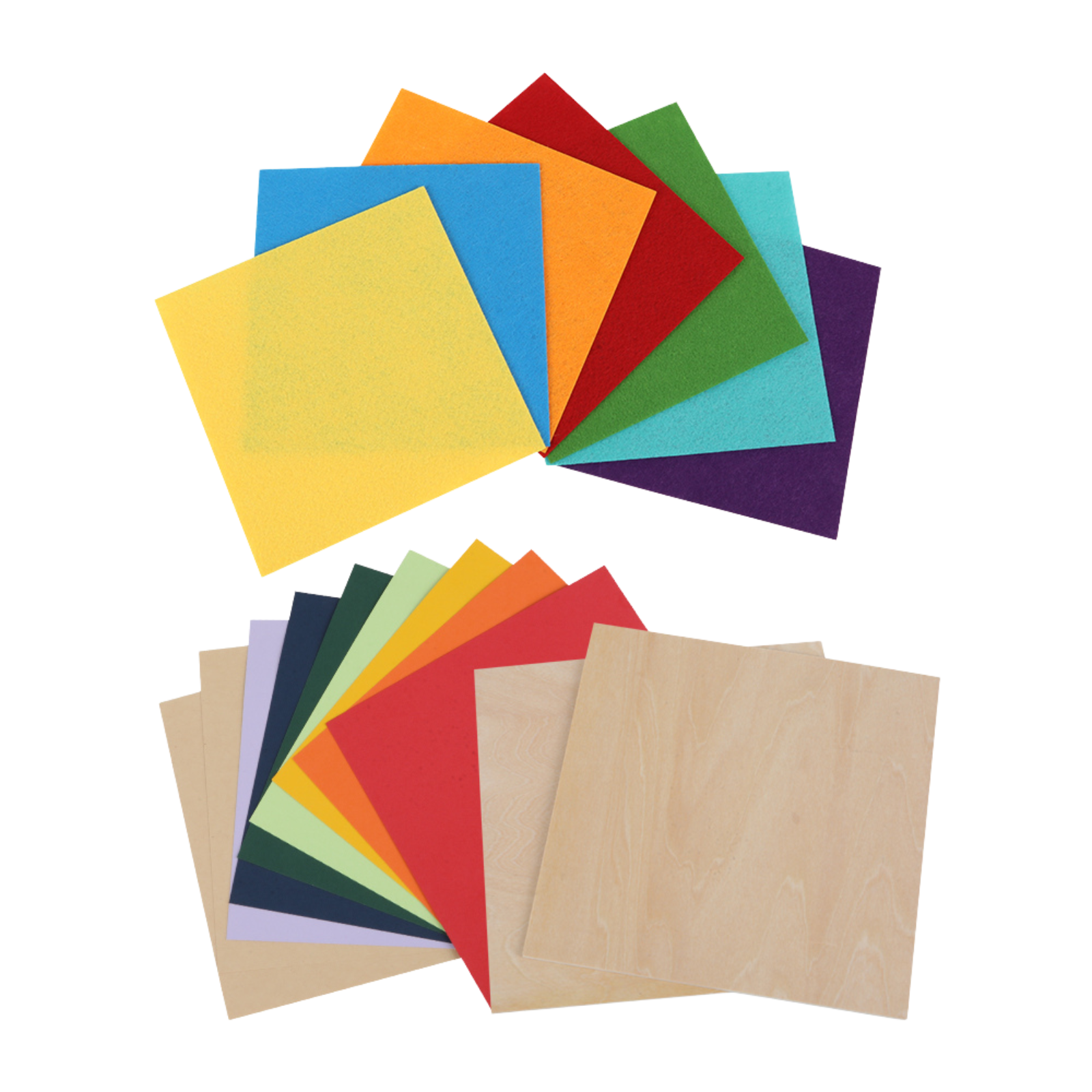
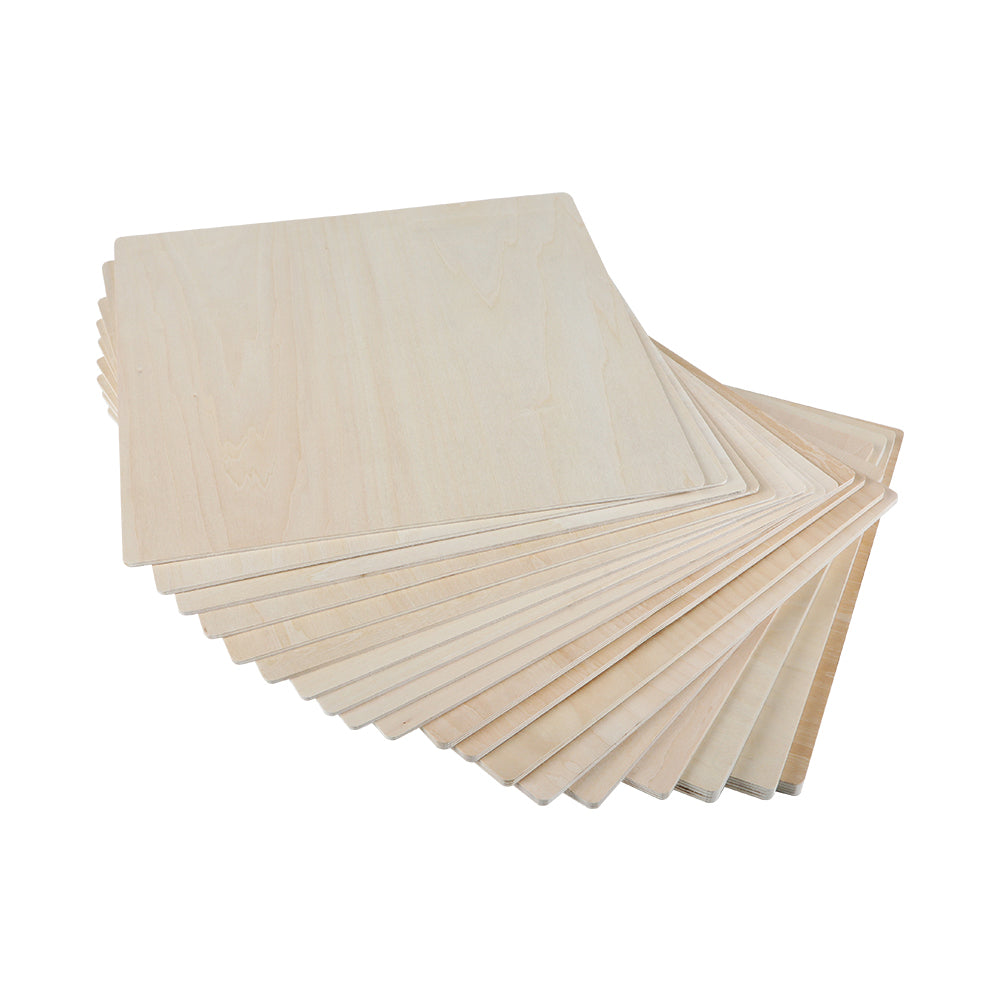
- Wood and plywood
- MDF and basswood
- Leather and fabric
- Paper and cardboard
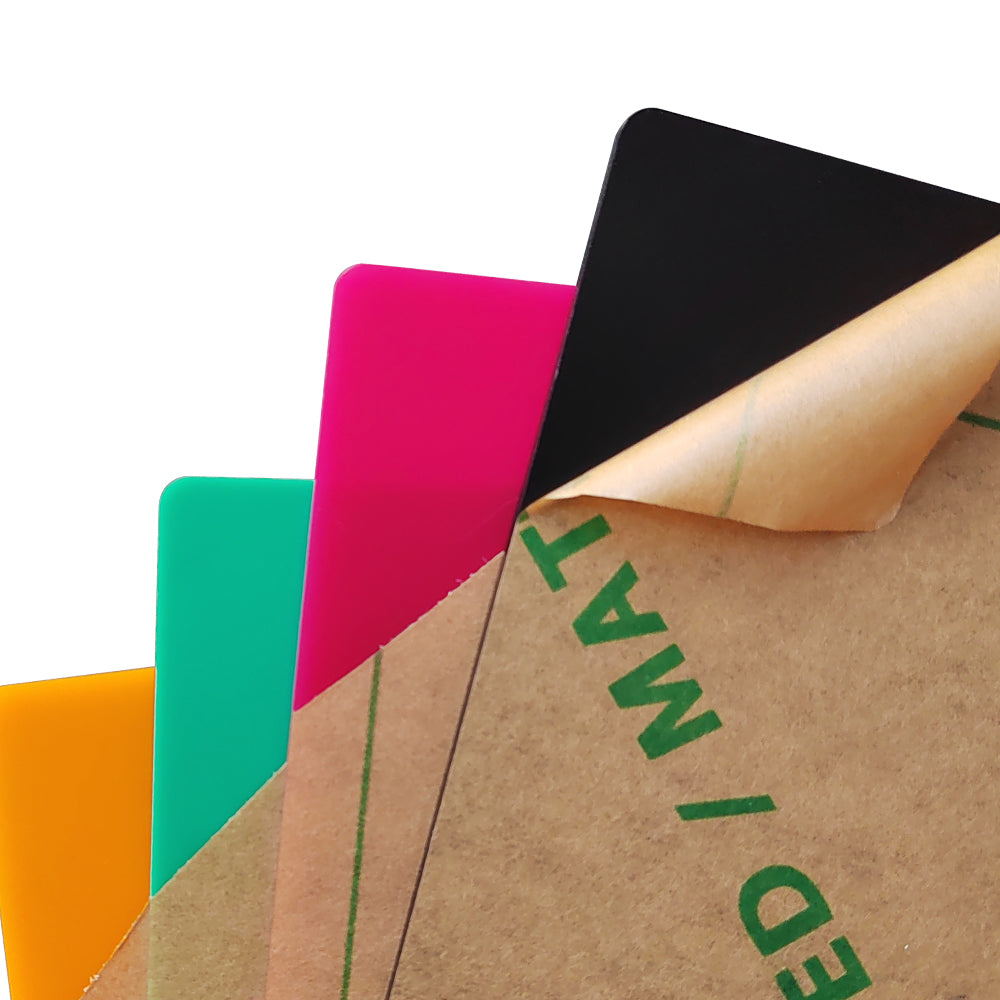
- Some opaque acrylic
What It Can Engrave Well
- Slate and stone
- Painted or coated metals
- Anodized surfaces

What It Cannot Do
This is where many buyers get disappointed, so it’s worth reading carefully.
- Clear Acrylic: Most diode lasers struggle because the beam passes through instead of being absorbed.
- Cutting Bare Metal: Diode lasers generally cannot cut metal. Some can mark metal, but that’s a different use case.
- PVC and Vinyl: Never cut PVC or vinyl. The fumes are toxic and can damage your machine.
- Reflective Surfaces: Highly reflective metals can reflect the beam and harm the laser module.

Cutting vs Engraving
Cutting means the laser goes fully through the material. It needs higher power, slower speed, and often multiple passes.
Engraving removes only the surface layer. It is faster, cleaner for detail, and usually easier to learn.
Power Matters More Than You Think
The biggest buying mistake is looking at the wrong watt number.
Optical Power Is Key
Optical power is the real output that affects cutting performance.
Higher optical power usually means faster cutting and better results on thicker wood, but there are still limits.
What to Check Before You Buy
Here’s what actually affects real-world results.
1. Optical Power
- 5 to 10W is good for basic engraving and thin cutting
- 10 to 20W is the best range for most hobbyists
- 20W and above is better for speed and small business use
2. Work Area
Choose a bed size that matches your typical projects.
Bigger is more efficient for batch work.
3. Frame Quality
A rigid frame improves accuracy and reduces wobble, especially on detailed engraving.
4. Air Assist
Air assist is one of the best upgrades you can have. It improves cut quality and reduces burn marks.
5. Software
LightBurn is the most popular option for serious use. LaserGRBL is a solid free alternative.
6. Safety Features
Look for an emergency stop, basic sensors, and the option to use an enclosure.
Diode vs CO2 vs Fiber
If you’re choosing between laser types, here’s the simplest way to decide.
- Best for wood, leather, paper, and affordable engraving
- Slower on thick cuts
- Not good for clear acrylic
- Best for acrylic and faster cutting
- More powerful and more efficient for business use
- Higher cost and more maintenance
- Best for metal engraving and industrial marking
- Not the right choice for wood craft projects
- Highest cost in most cases
Best Picks by User Type
Instead of staying generic, I’ll recommend specific diode laser cutters that I believe offer the best value for different needs.
For Beginners
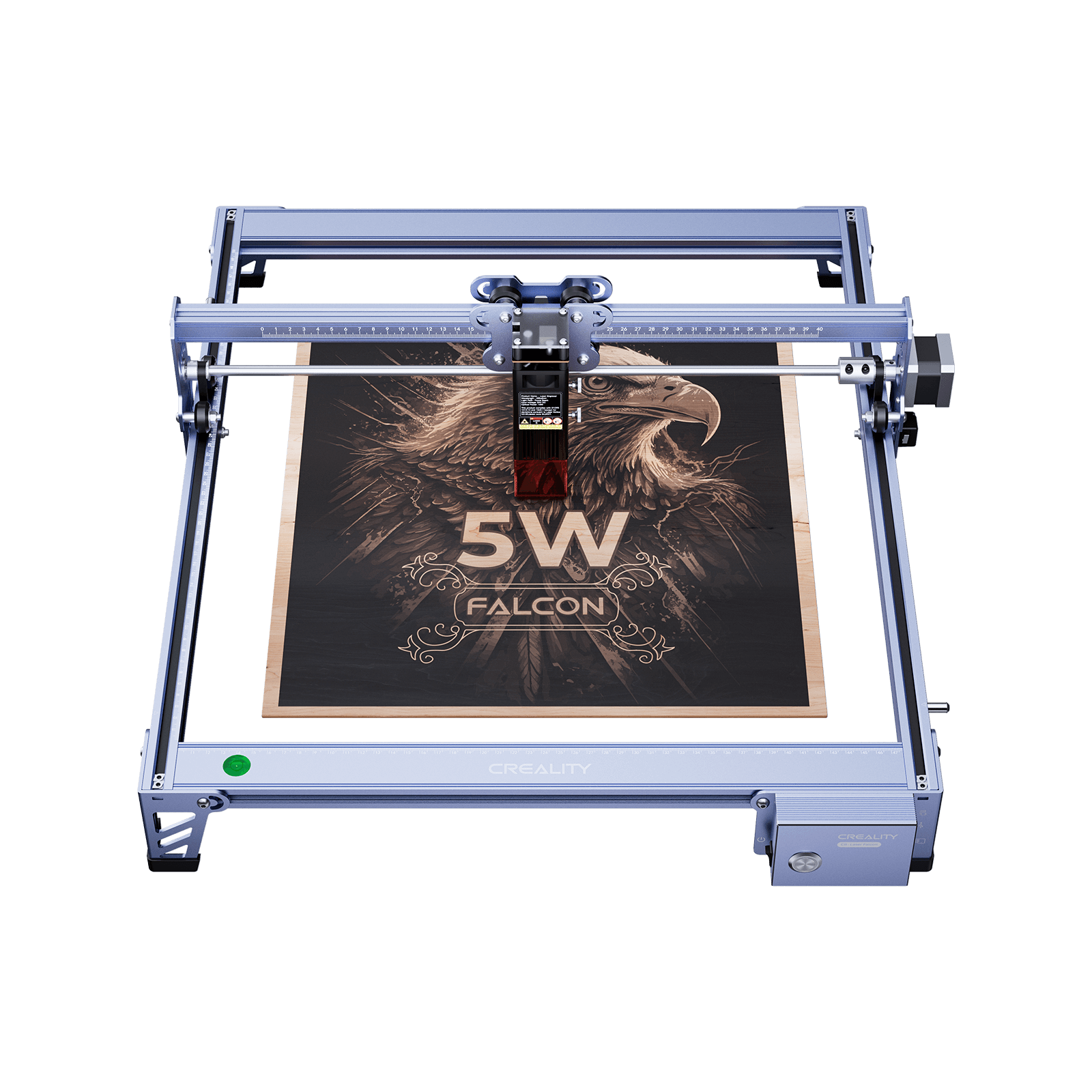
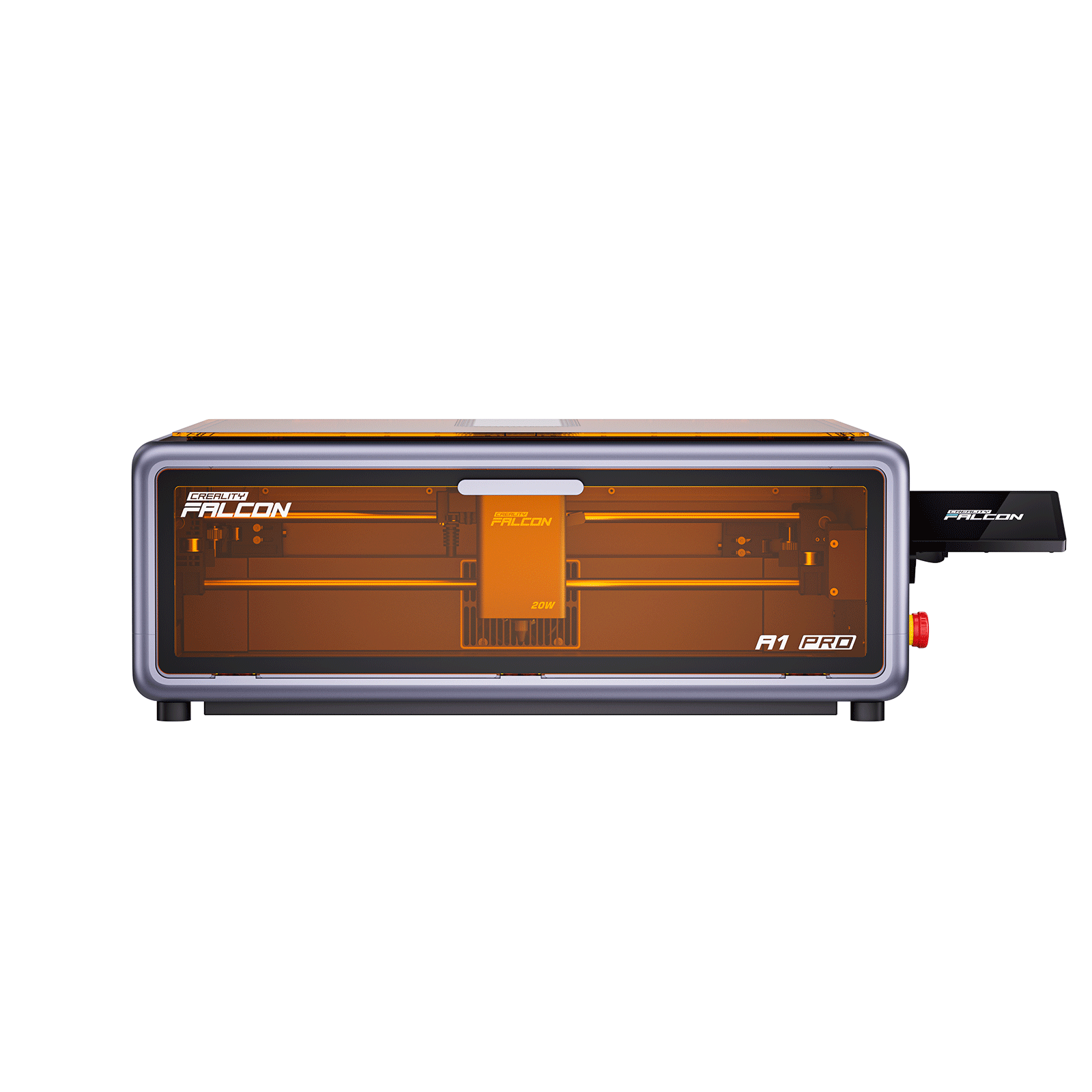
If you’re buying your first diode laser cutter and want something easy to start with, the Creality Falcon A1 Pro is a strong beginner-friendly choice.

It’s a good fit for users who mainly want clean engraving and basic cutting without spending a lot of time on setup and tuning.
Best for
- First-time users
- Home crafting and beginner projects
- Learning engraving and basic cutting
For Small Business
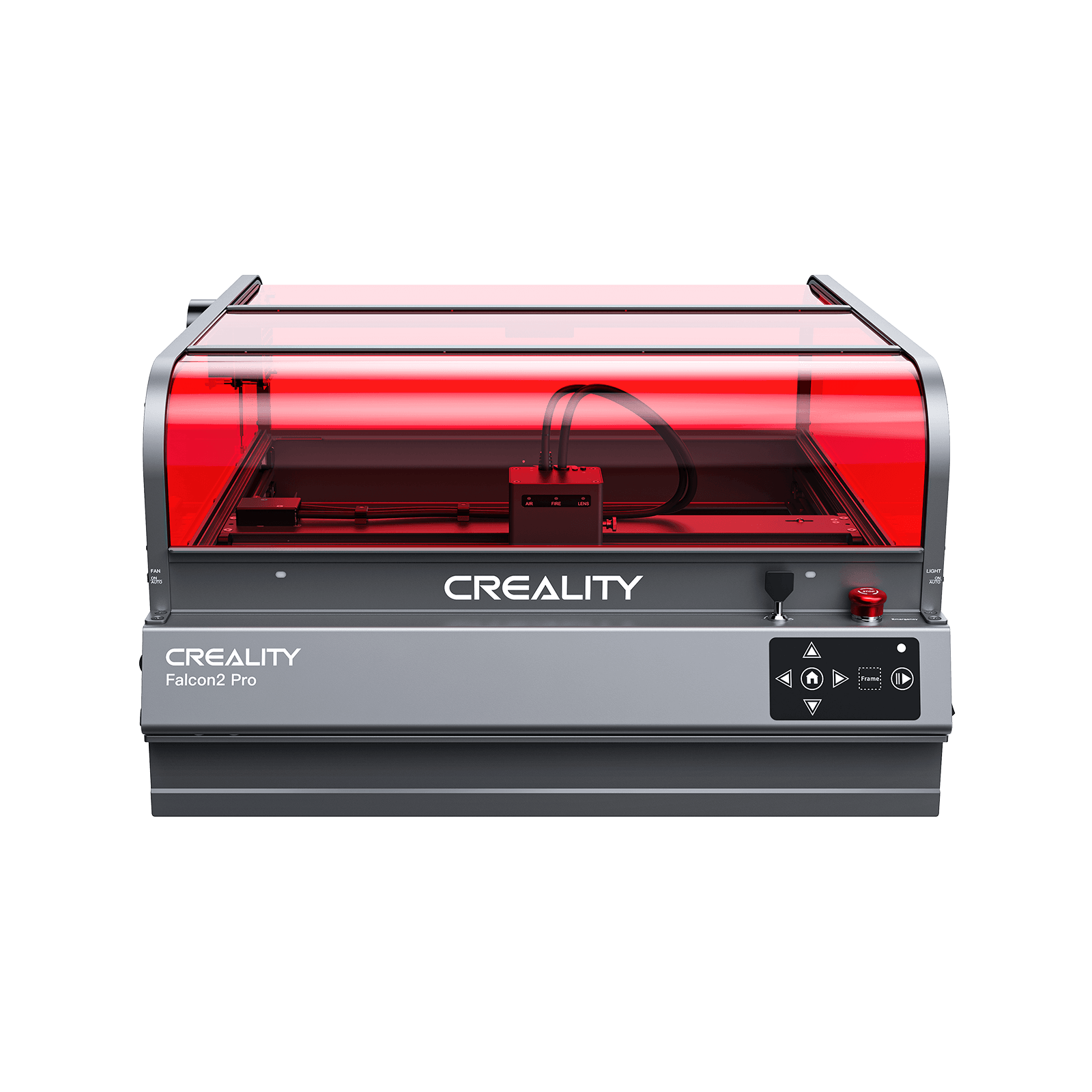
If you’re running light production or want faster cutting for batch work, Creality Falcon2 Pro is the better pick.

It’s more suitable for higher workload use, better efficiency, and more consistent output when you’re making products to sell.
Best for
- Small business production
- Batch engraving and cutting
- Faster workflow and higher output demand
Is It Right for You
A diode laser cutter is one of the best value tools for makers who mainly work with wood, leather, and craft materials.
- If you want affordable customization, clean engraving, and flexible DIY production, it’s a great investment.
- If you need clear acrylic cutting, metal cutting, or high-speed production, you should look at a CO2 or fiber laser instead.
Recent News

12 World Cup Laser Engraving Ideas for Fans
Explore world cup laser engraving ideas for fan gifts, tumblers, coasters, signs, and safe soccer-inspired designs makers can...

What Materials Does a Laser Cutter Cut Safely
Find out what materials does a laser cutter cut, which plastics to avoid, and how CO2, diode, and...

7 Best Laser Engravers Under $1000
Quick Answer:The best laser engraver under $1000 should be chosen by total setup cost, not machine price alone.For most...